Put the words in the image.
Write the exact headline, label or sign in your prompt. Describe the lettering and placement to make the text part of the design.
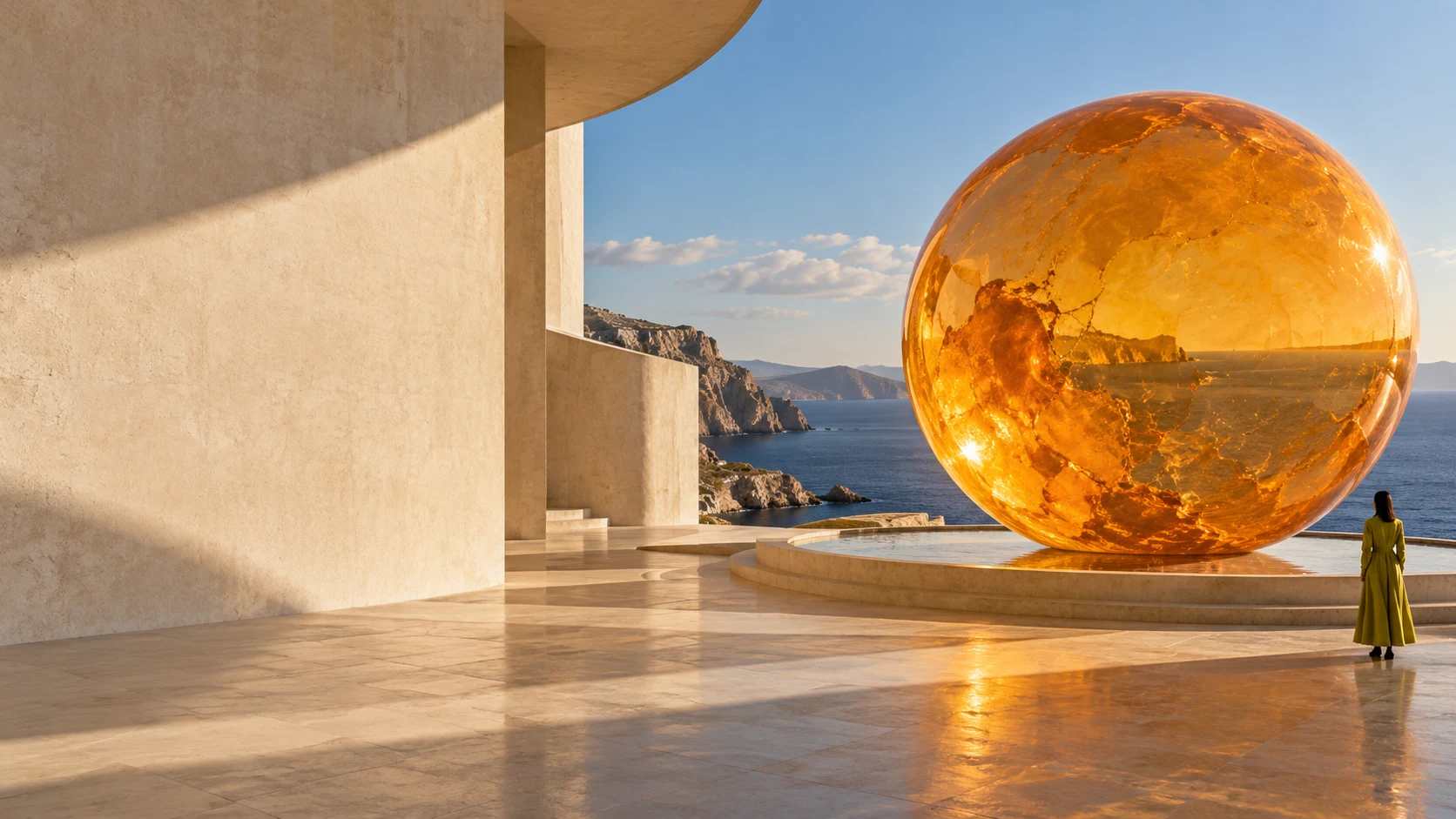
Your imagination.
Down to the last detail.
Create images, design with words, and rework your photos with GPT Image 2.5 Sunburst.
12 credits per 1K image6 with a plan or credit pack
A campaign, a character, a completely new idea. Give your next image a direction, then make it your own.
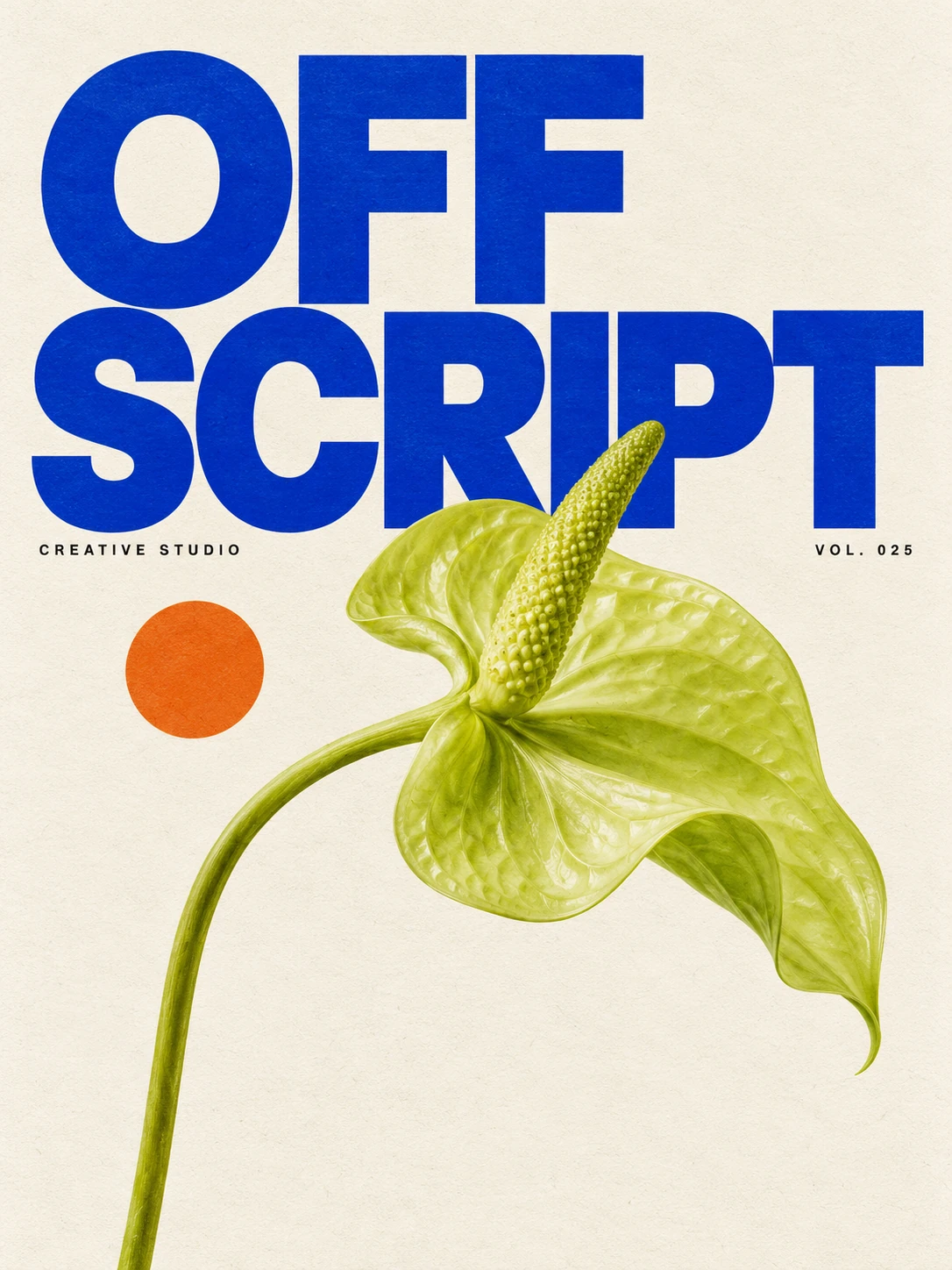
Posters, packaging, headlines. Tell it what to say and how to set the scene.
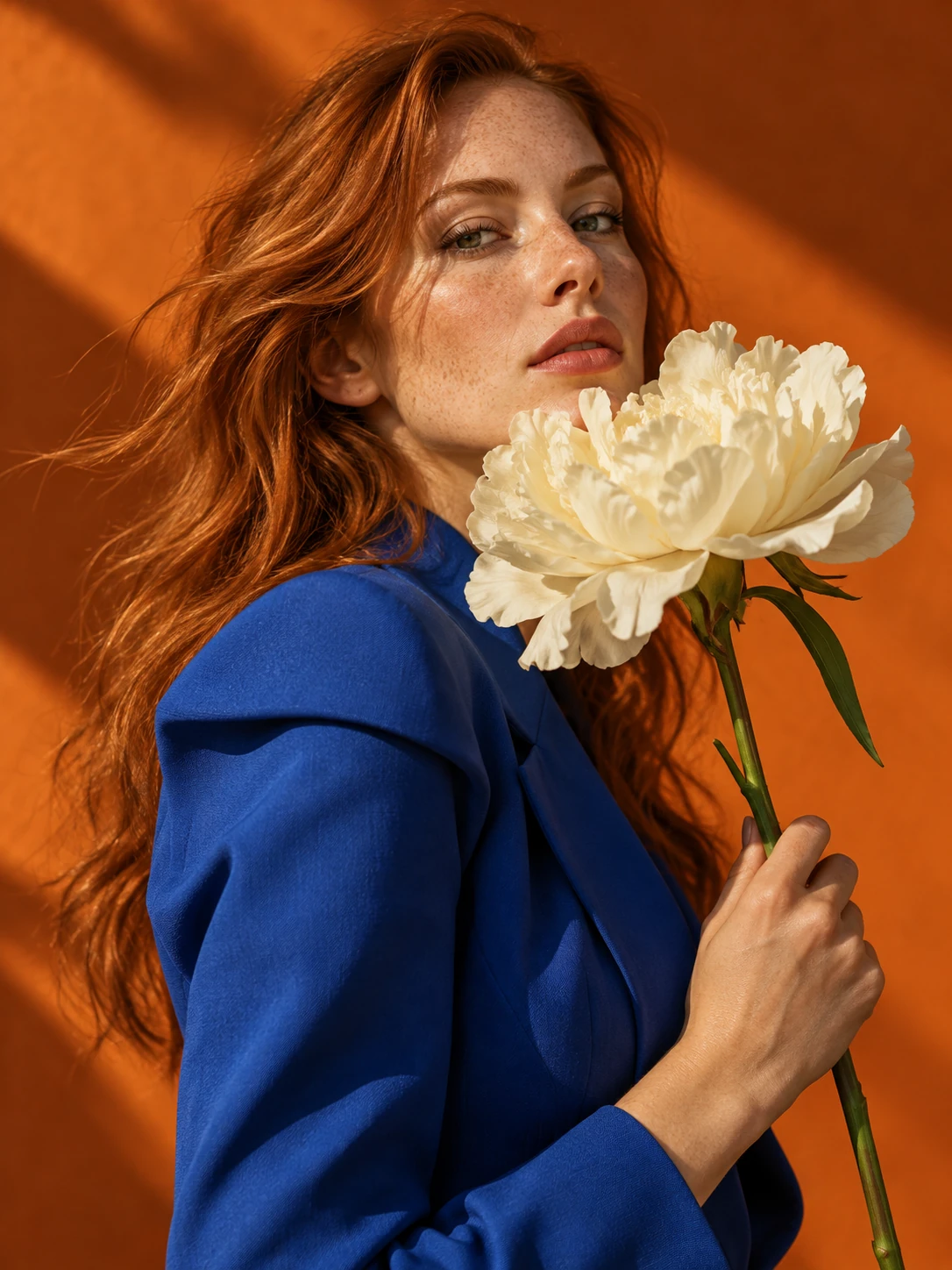
Shape the light, the palette and the feeling, right down to the fabric.
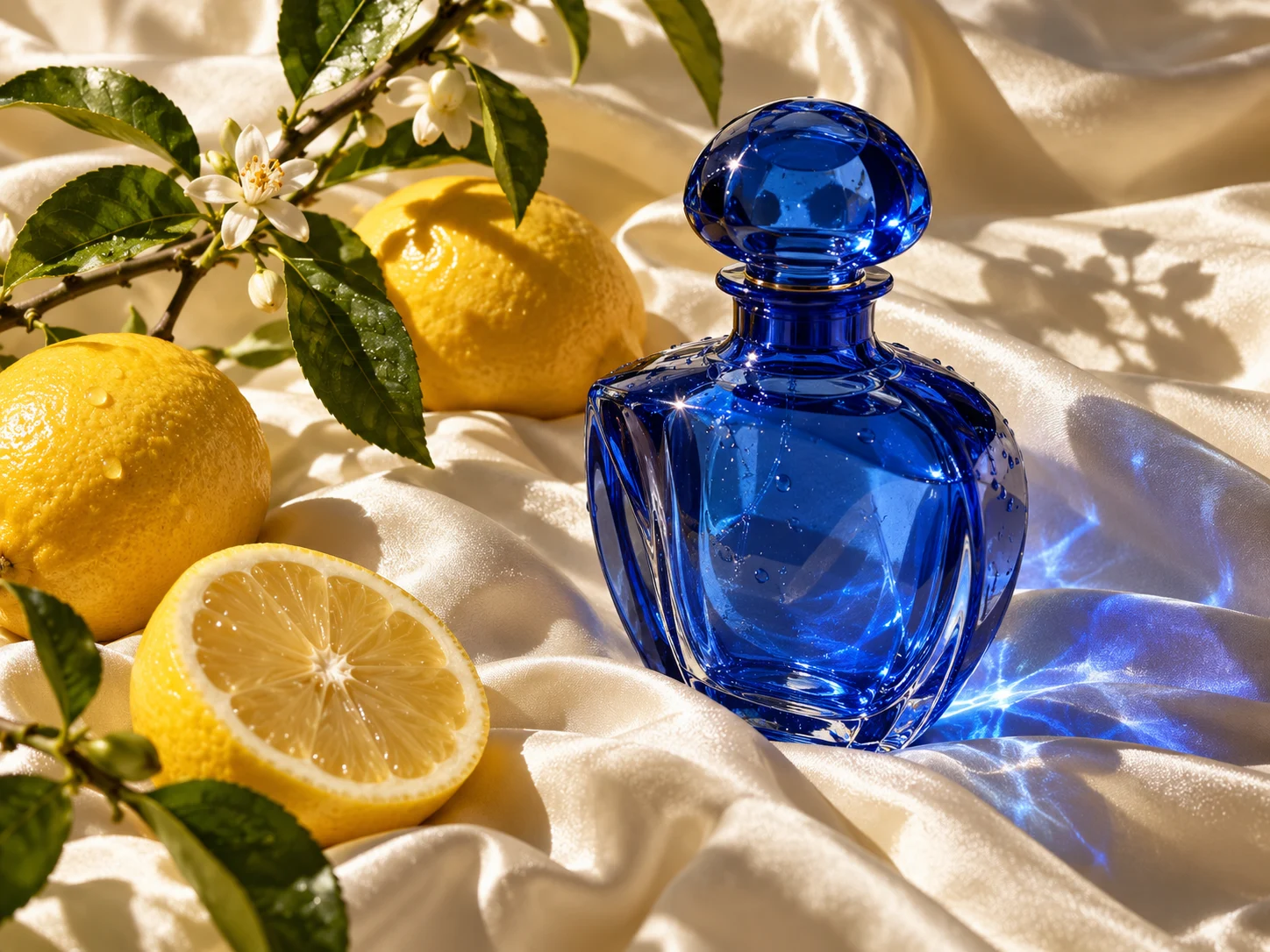
Turn a simple product idea into a thoughtfully composed visual.
Start with a blank canvas or a photo you already love. Use Sunburst to bring a specific vision into focus.
Create with SunburstWrite the exact headline, label or sign in your prompt. Describe the lettering and placement to make the text part of the design.
Bring up to 16 images for a subject, setting or visual direction. Describe how you want them to work together.
Change a color, rework the background or take the whole image in a new direction. Continue editing from your result.
Use GPT Image 2.5 Sunburst with your Imagable credits. Pick the resolution that fits your next idea.
Explore plans & credit packs| Resolution | Regular | With a plan or credit pack |
|---|---|---|
| 1K | 12 credits | 6 credits |
| 2K | 20 credits | 20 credits |
| 4K | 32 credits | 32 credits |
Per image. Paid prices apply during your subscription or for 12 months after a credit-pack purchase.
Start with a prompt, or bring photos to guide the result.
Choose an aspect ratio and resolution. For a transparent background, use 1K.
Generate, download, or continue editing your image.
The useful things to know before you start.
Imagable offers GPT Image 2.5 Sunburst. You can create an image from a written prompt or add reference photos to guide an edit, all in the same generator.
Yes. Add up to 16 reference images, then describe what you want to change. You can combine references for a subject, style or setting. Adding an image automatically switches the generator to editing.
Put the exact words in quotation marks and describe where they belong. For example, ask for a poster with “OFF SCRIPT” in large blue letters at the top. Specify the font style, colors and surrounding layout for a clearer direction.
Choose 1K, 2K, or 4K output, with square, portrait and landscape aspect ratios. Transparent backgrounds are available at 1K when you want to place your image into another design.
Verified sign-up includes 40 welcome credits, valid for 30 days. A regular 1K image uses 12 credits, so you can try the model with your welcome balance. This model does not have a daily free allowance.
A 1K image costs 6 credits with an eligible subscription or credit-pack purchase, instead of 12. The lower price applies during your paid subscription or for 12 months after buying a credit pack. The Generate button shows your price before you start.