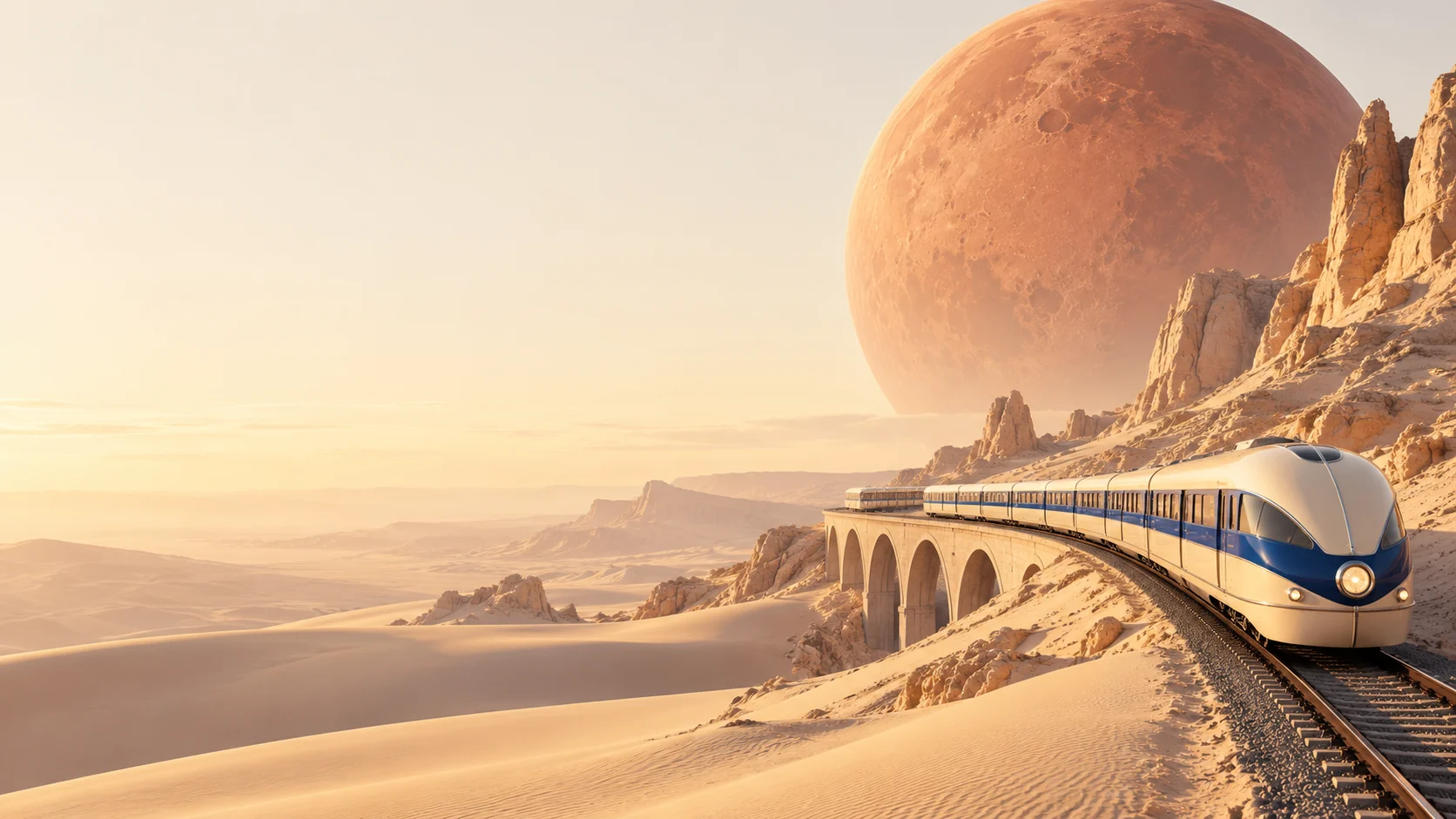
Grok Imagine
Image 2.0
Take your imagination somewhere new.
Create a scene from words or take your own photos in a different direction with Grok Imagine Image 2.0.
8 credits per image Text to image & reference editing
A different world.
A different feeling.
Change the light. Shift the scale. Put the familiar in an unexpected place.
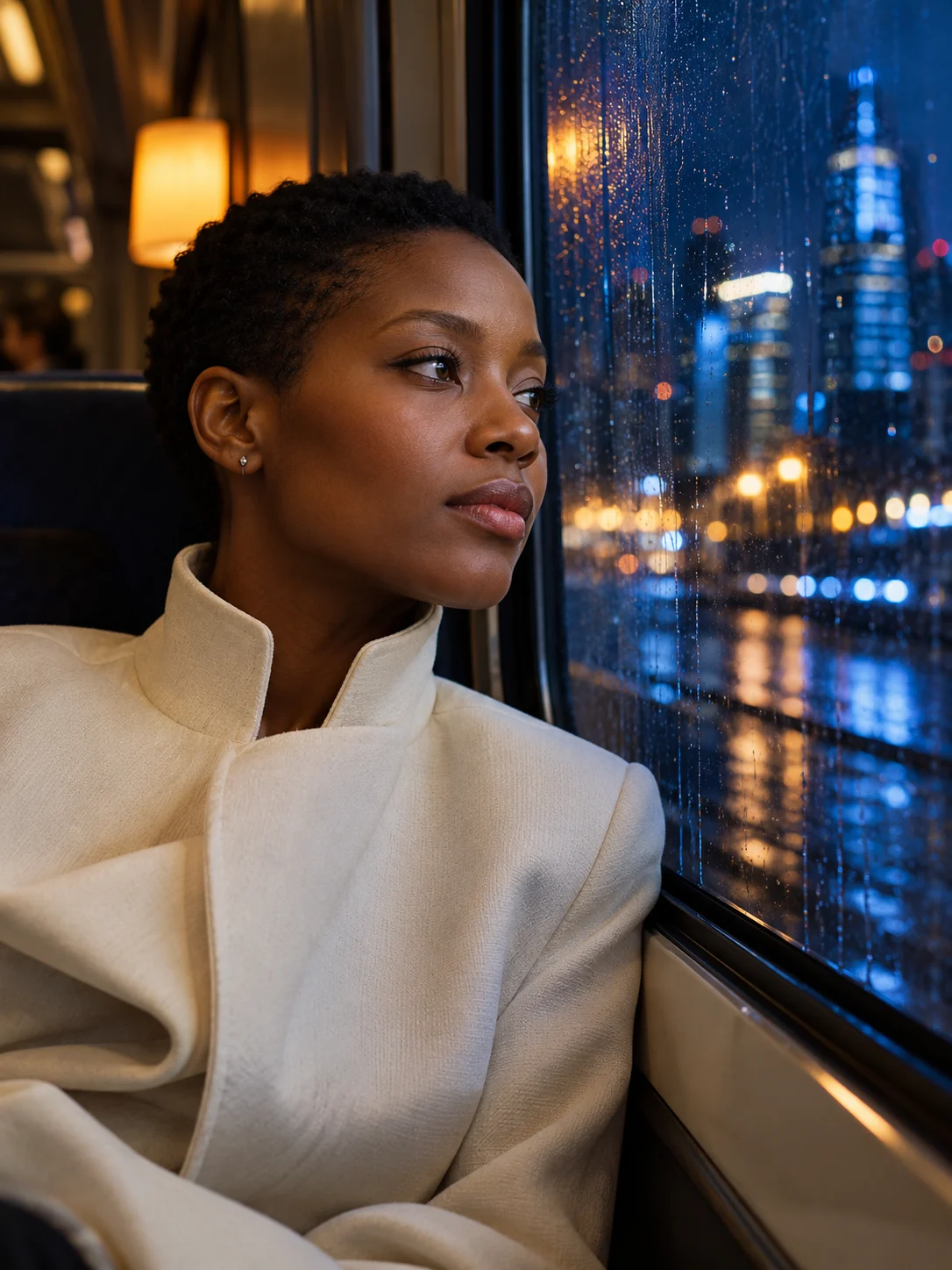
Find the story in a face.
A window, a reflection, a moment between places. Describe the mood as well as the person.
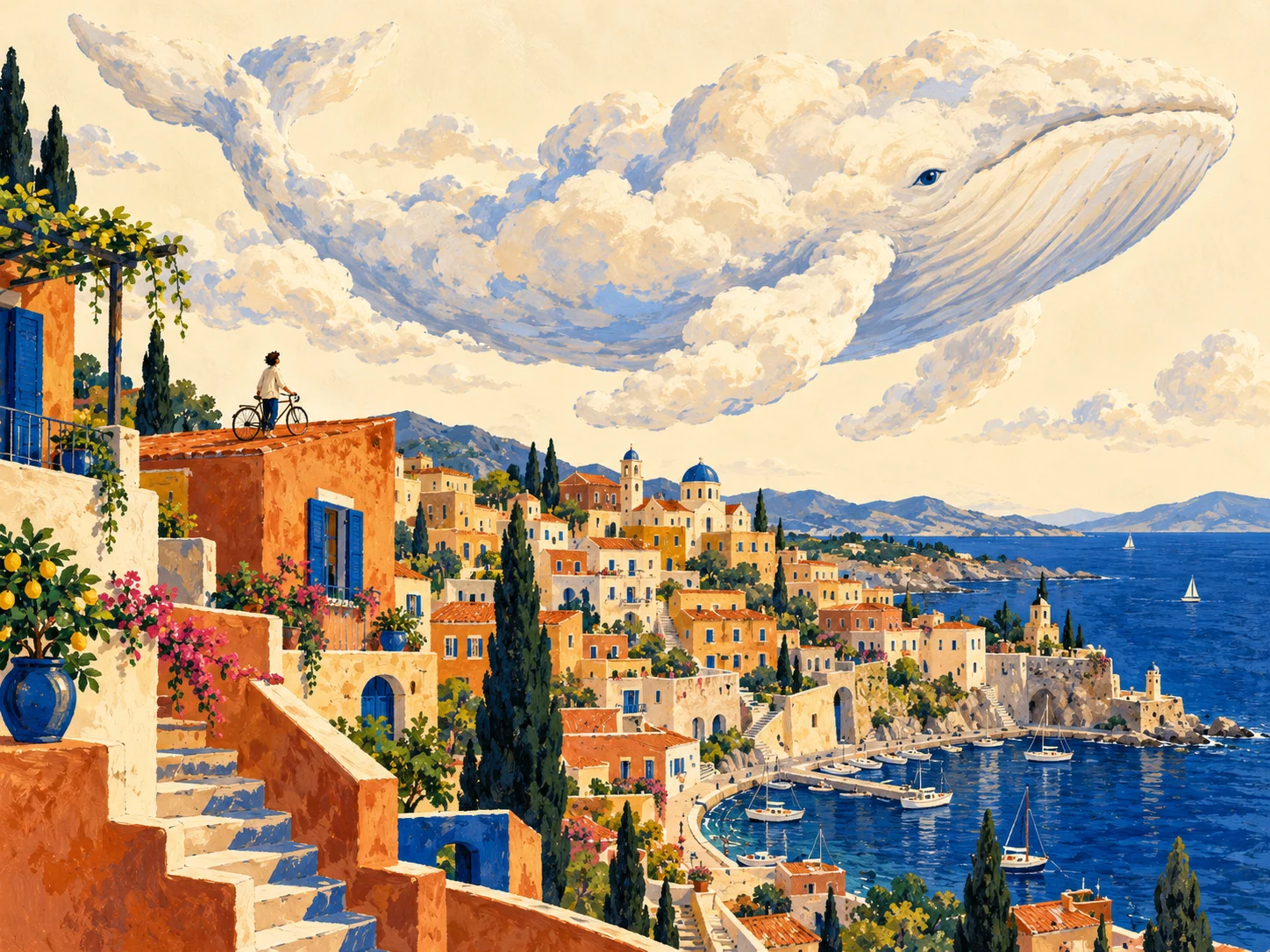
What if the sky had other plans?
Build a world with its own rules. Give Grok a subject, a setting and one unexpected twist.
The next version
starts with yours.
Your image can be a starting point. Bring a reference and tell Grok where you want to take it.
Create with a reference- 01
Bring the subject
Add a photo or combine up to 5 references. Explain which image supplies the subject, setting or look.
- 02
Describe the change
Move a scene from day to night, try a different palette or turn a photograph into an illustration.
- 03
Keep exploring
View your result, download it or continue editing. Each new direction starts from the image you choose.
One clear price.
Plenty of possibilities.
Create from a prompt or work with reference photos. Use the same Imagable credit balance for both.
Explore plans & credit packs- Output size
- Automatic
- Reference images
- Up to 5
- Create or edit
- Same credit price
Grok Imagine
Image 2.0 FAQ
What can I make with Grok Imagine Image 2.0?
Start with a written idea to explore portraits, illustrations, imaginative scenes and visual concepts. Or upload your own photos and describe how you want to change them.
Can Grok edit a photo I already have?
Yes. Upload your photo, then describe what to keep and what to change. You can add up to 5 reference images for a subject, setting or style. The generator switches to editing when you add references.
How do I get the look I have in mind?
Describe the subject first, then add the setting, light and visual style. A rainy train window and warm reflected light suggest a different portrait from a bright studio with a plain backdrop. Be specific about the details that matter to you.
What image sizes can I choose?
Choose a square, portrait or landscape aspect ratio. Grok determines the output dimensions for your image; there is no separate resolution selector. Download your result or open it in Image Upscaler when you want to enlarge it.
How many credits does it use?
Each image uses 8 credits, whether you start from text or add reference photos. The same price applies to free and paid accounts. The Generate button shows the amount before you start, and failed tasks return reserved credits.
Can I try Grok Imagine Image 2.0 for free?
Verified sign-up includes 40 welcome credits, valid for 30 days. You can use them to try Grok at 8 credits per image. This model does not have a daily free allowance.