AI Watermark Remover
Remove watermarks, proof overlays or date stamps from photos you own.
16 credits per image
40 welcome credits after verified sign-up


Your results are private. Free-account results are available for 3 days.
Remove preview watermarks from your own artwork
A proof overlay can cross painted edges and subtle texture. Compare the illustration beneath the mark and prepare a clean version of artwork you own or have permission to edit.

Preview overlay
Clean artwork
Match the mark to the mode
Repeating overlays
Automatic mode targets marks spread across the image, such as your own proof watermark.
A small logo or badge
Use the brush for a localized mark and include the faint outline or shadow around it.
A camera date stamp
Paint the full date while leaving nearby objects outside the selected area.
How AI watermark removal rebuilds the marked area
A watermark is part of the image pixels once it is saved into a photo. Removing it means reconstructing the covered area from the surrounding detail, rather than simply switching off a layer. Use this tool for photos you own or have permission to edit.
Choose the clearest available photo
Use the largest copy you have, rather than a small screenshot. More visible detail around a logo or date stamp gives you a better image to inspect after the cleanup.
Review the photo beneath the mark
Look at the texture and edges that cross the edited region. Keep the version that fits the rest of your photograph, and save it separately from the original file.
Prepare your own photos for their next use
A clean version can give an existing photo another place to live, from an updated portfolio to a personal print or a new design.
Clean up your watermarkKeep the focus on a particular mark and its surroundings. The useful test is whether the photograph reads naturally at the size you intend to use it.
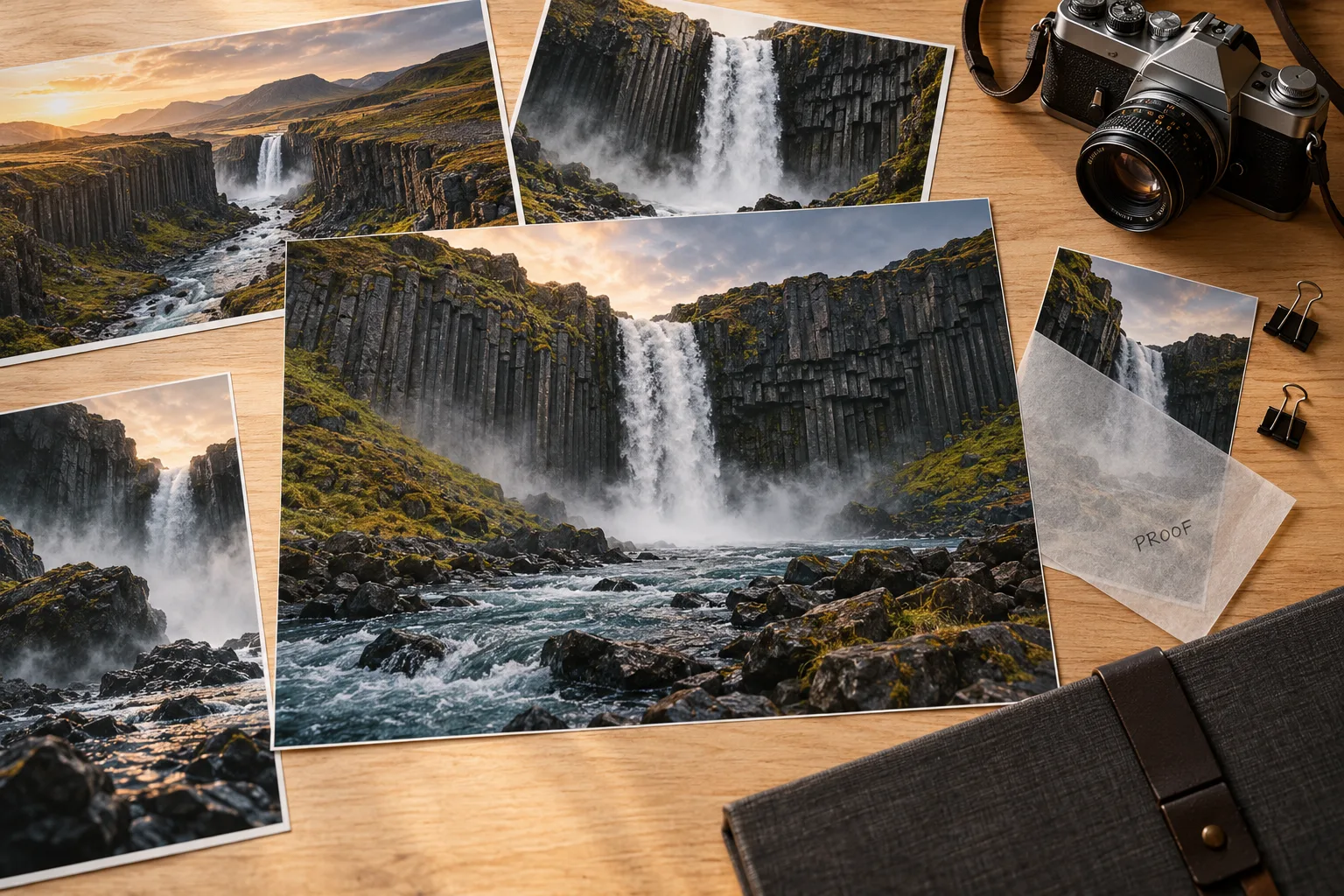
Refresh your portfolio
Prepare a photo with an older personal logo or proof overlay for an updated presentation. Check the details where the mark crosses the subject before publishing.
Make room for a new design
Clear an old overlay from an image you created before using it in another graphic. If the change is only a caption or label, Remove Text from Image may be the more direct choice.
Save a cleaner personal photo
Remove a camera date stamp when you want the memory itself to take the focus in an album or print. Inspect the corner and any nearby shapes before saving.
Look beyond the watermark to the detail underneath
Edges and repeated patterns
Check where the mark crosses fabric, hair, brickwork or a product outline. Compare at the same viewing size so you can judge whether those textures continue naturally.
Faint outlines and drop shadows
A mark may include pale lettering, a shadow or a soft border. When using the brush, include the full visible mark so the selection does not leave its outer outline behind.
Nearby words you want to keep
Inspect labels and lettering outside the removed area. For a word that needs to change instead of disappear, use Edit Text in Image to specify the replacement.
How to use Watermark Remover
Upload your own photo
Use a photo you own or have permission to edit, preferably the largest clear version.
Choose automatic or brush
Use automatic cleanup for an overlay, or brush over a specific mark.
Compare the cleaned image
Review the covered texture and nearby detail before downloading the PNG.
Watermark Remover FAQ
Plans & credits →Can I try this tool for free?+
Verified sign-up includes 40 welcome credits. Each successful run uses 16 credits. The price appears before you start. Welcome credits are valid for 30 days.
Which mode should I choose?+
Automatic suits repeating overlays. Use the brush for a corner logo, date or a mark near details you want to keep.
Will the area under the watermark be preserved exactly?+
The covered area is reconstructed from surrounding content. Compare fine texture and any nearby writing before saving.
What kinds of watermarks can I remove?+
You can remove repeating watermarks, corner logos, proof overlays and date stamps. Use automatic removal for repeating marks or the brush for a specific area. Only edit images you own or have permission to use.
Will I lose credits if processing fails?+
No. If a task fails, its credits or free use are returned. A completed result still uses the displayed credits or free allowance, even if you decide to try a different edit.
How long are my images saved?+
Image results created with an active subscription or an unexpired credit-pack purchase stay saved until you delete them. Other image results are available for 3 days. Check the expiry shown with each result and download any images you want to keep.My creations
Continue with the right image tool
Let your own work stand clear.
Remove a watermark