Product photography
Soft morning light, a tactile surface, a different point of view. Shape the details that make an image feel like yours.
Create images from a prompt or your own reference photos.
Explore photographic, illustrated and surreal styles.
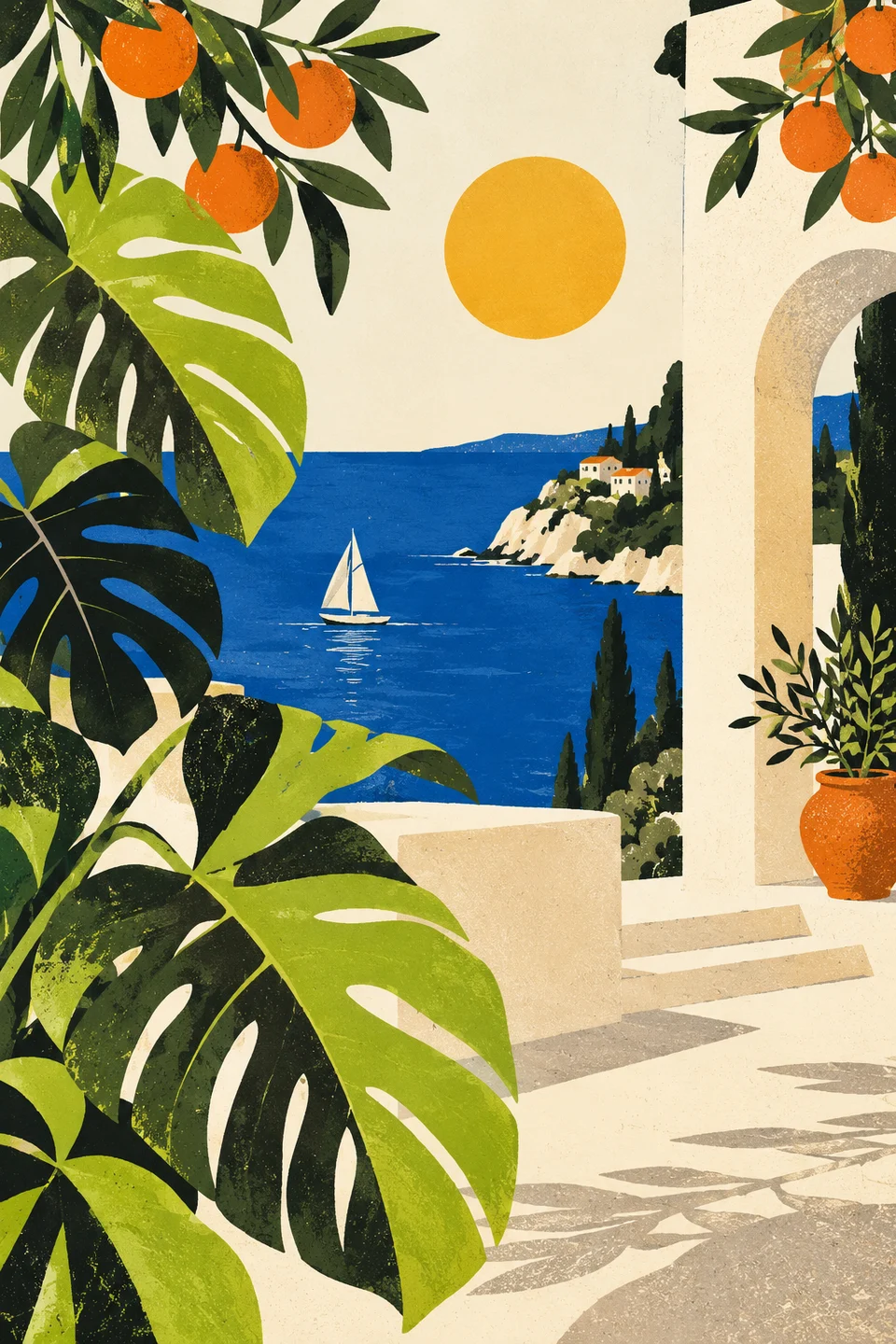
Describe your subject, lighting and style.
Soft morning light, a tactile surface, a different point of view. Shape the details that make an image feel like yours.
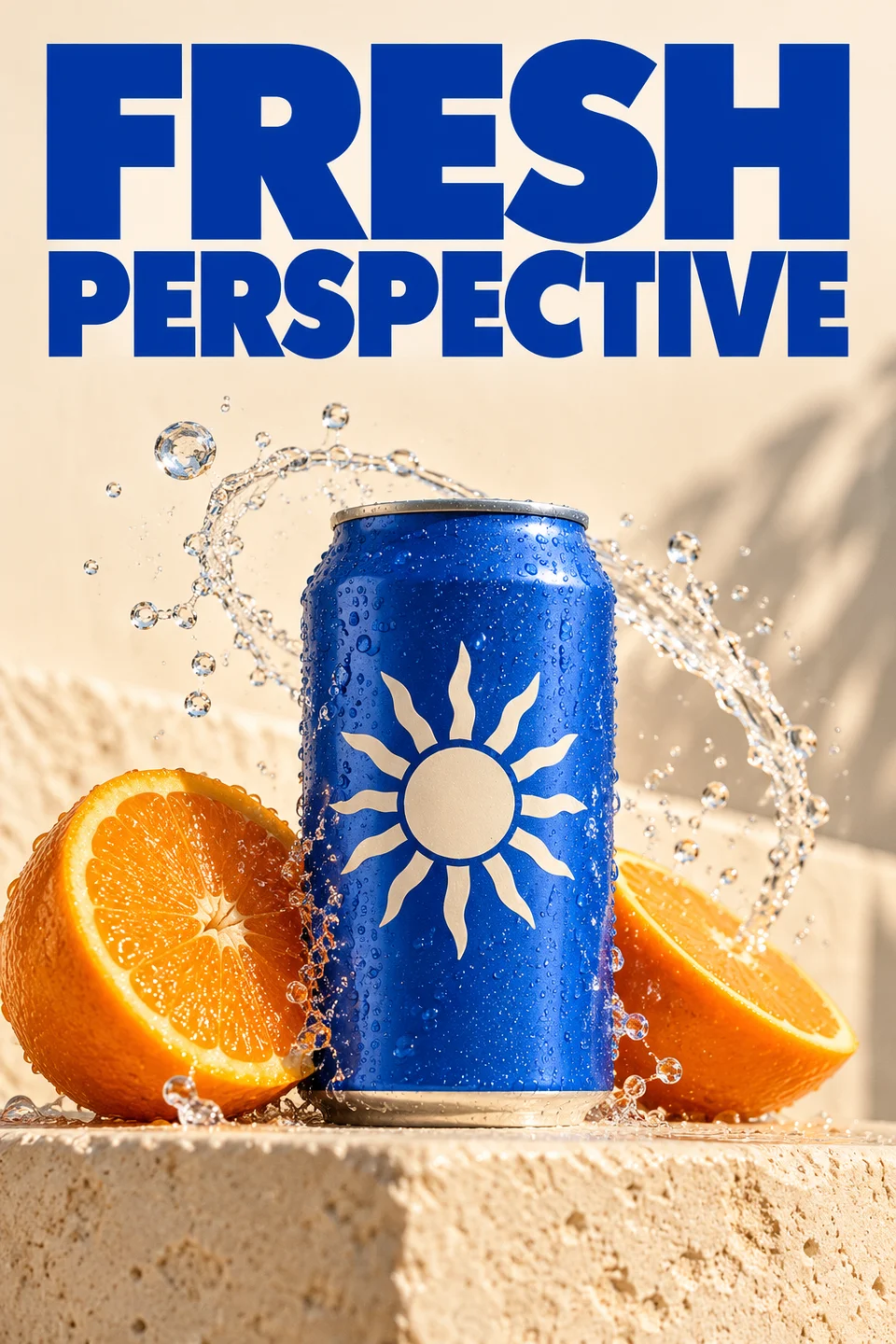
Explore poster concepts, packaging and campaign imagery. Describe the words and composition, then refine your favorite direction.
Start with something you already have. Use one photo or combine multiple references to guide your next creation.
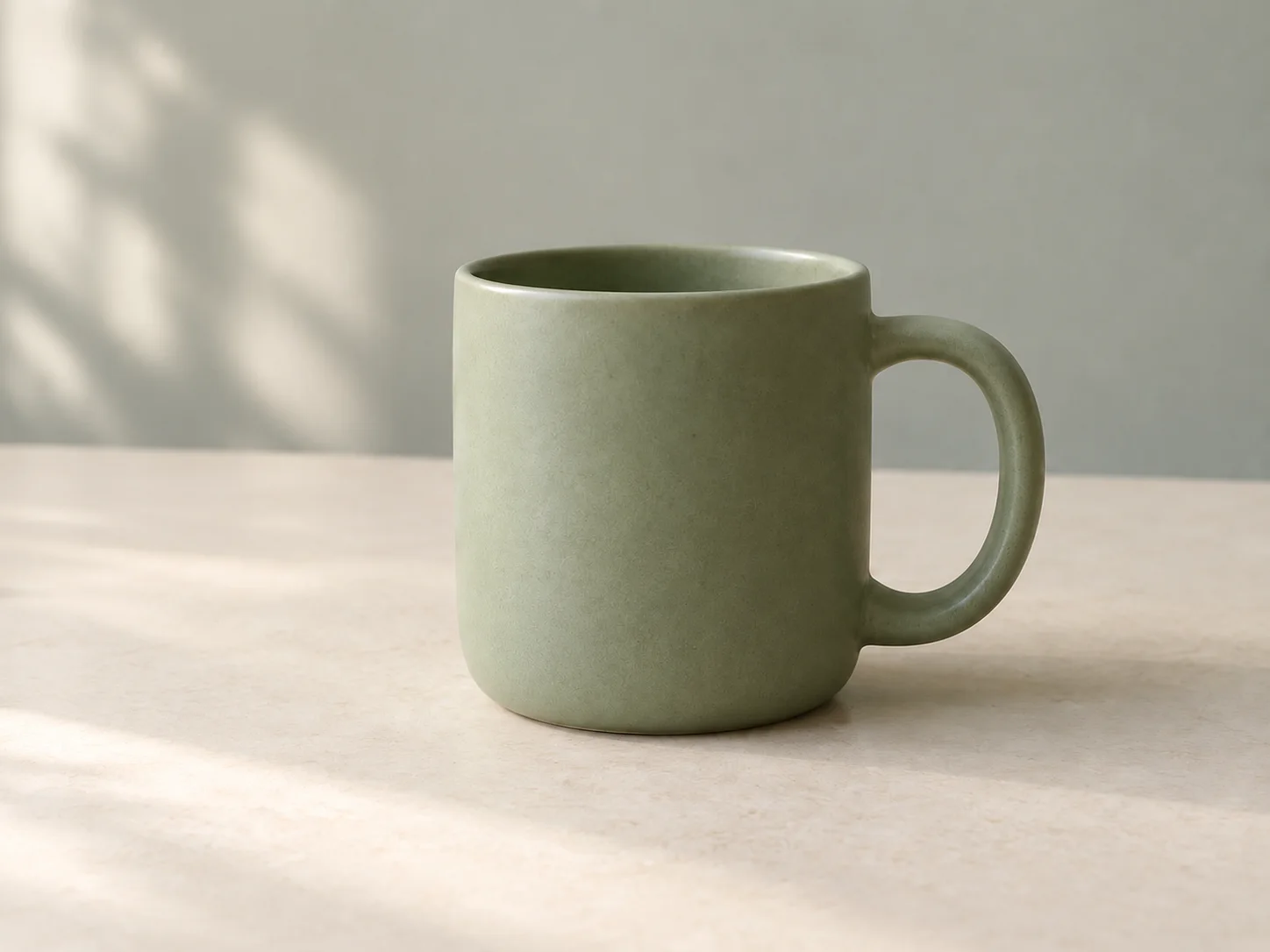
Give your product a different backdrop, mood or composition. Upload a photo and describe the change you have in mind.
Generate visuals for products, portraits, artwork and campaigns.
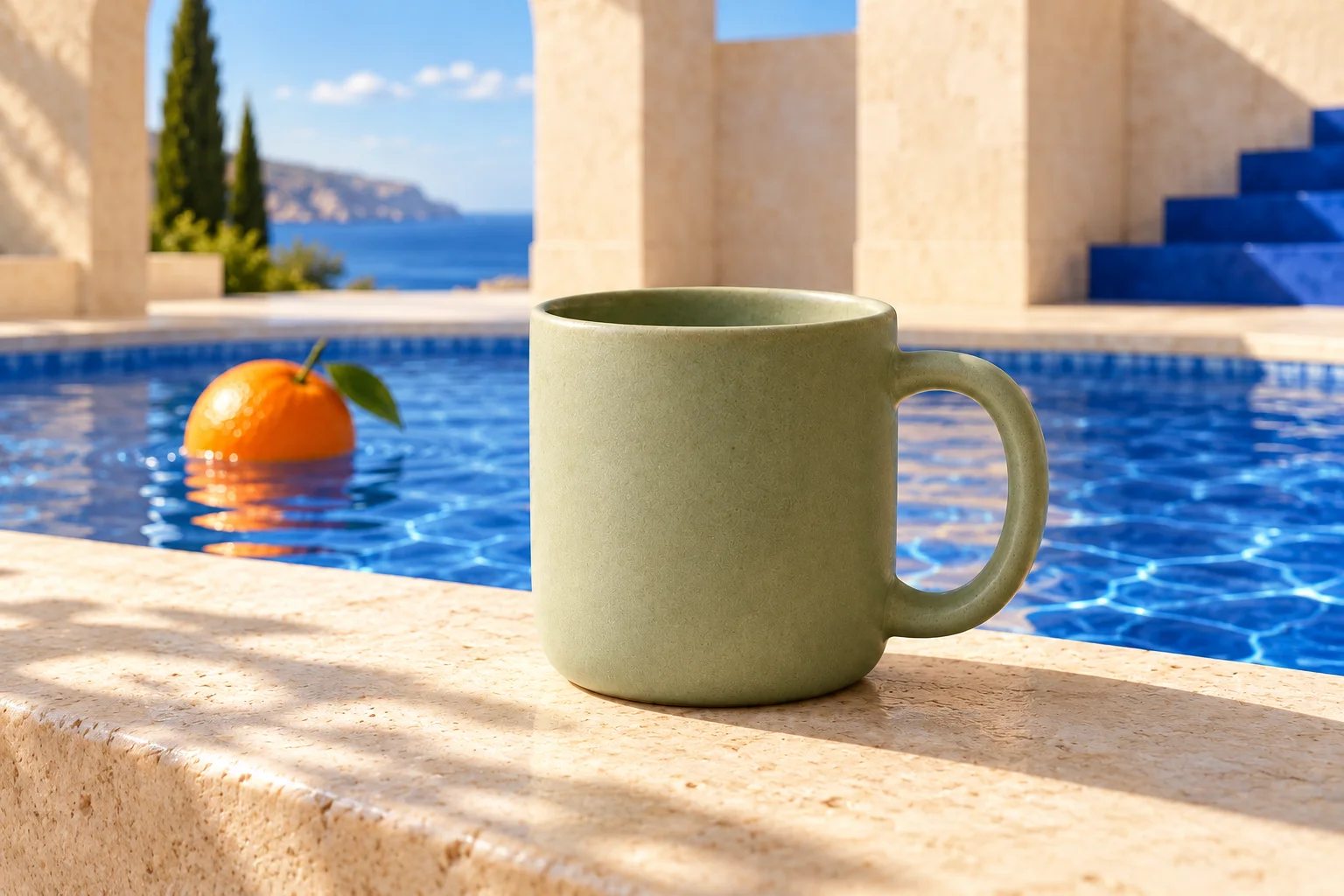
Give everyday objects an extraordinary setting.
Explore light, mood and a new point of view.
Build a world with its own color and character.
Find a fresh look for your next big announcement.
Compare reference limits, output options and credit costs.
From 6 credits with a plan or credit pack
Versatile creation and precise edits
Text to image · Up to 10 reference images
From 6 credits with a plan or credit pack
Detailed compositions and text
Text to image · Up to 16 reference images
Expressive visuals and transformations
Text to image · Up to 5 reference images
From 6 credits with a plan or credit pack
Quick ideas and everyday edits
Text to image · Up to 10 reference images
From 24 credits with a plan or credit pack
Detailed artwork and reference control
Text to image · Up to 8 reference images
Typography and flexible visual design
Text to image · Up to 10 reference images
Photoreal detail and consistent references
Text to image · Up to 8 reference images
Rich compositions and polished artwork
Text to image · Up to 10 reference images
Write a description of the image you want, choose a model and adjust its settings. You can add reference photos to guide the result. Generate your image, inspect it at full size, then download it or continue editing in Imagable.
Yes. Add one or more reference images alongside your prompt to change a scene, explore a different style or bring elements together. Describe which details you want to keep and what should change.
Yes. Choose 1–4 images to explore variations of the same prompt and references. The Generate button shows the total price. Results appear as they finish, so you can compare them, download your favorites or save them together as a ZIP. Failed images are not charged.
The limit depends on the selected model and is shown beside your references. Upload JPG, PNG or WEBP images up to 20 MB each, with a total of up to 80 MB. You can reorder or remove them before generating. When you add references, Imagable uses the model’s image editing capability automatically.
You receive 40 welcome credits after verified sign-up, valid for 30 days. Each generation uses credits based on the model and settings you choose. The total appears on the Generate button before you start.
Start with Nano Banana 2.1 for everyday images and reference-based edits, or Nano Banana 2 Lite for quick ideas. Try GPT Image 2.5 Sunburst for detailed instructions, text layouts and precise edits, or Seedream 5.0 Pro for posters and illustrations. The model menu shows each option’s price and reference limit.
Yes. Choose Edit image below a result to continue in the image editor. You can also download it and use Imagable’s background remover or image upscaler.Background RemoverImage Upscaler
No. If a task fails, its credits or free use are returned. A completed result still uses the displayed credits or free allowance, even if you decide to try a different edit.
Image results created with an active subscription or an unexpired credit-pack purchase stay saved until you delete them. Other image results are available for 3 days. Check the expiry shown with each result and download any images you want to keep.My creations