MAI Image 2.7: Microsoft’s new image-editing model
What Microsoft’s MAI Image 2.7 preview brings to image editing, where it ranks, where to try it, and what’s coming to Imagable.
Coming soon to Imagable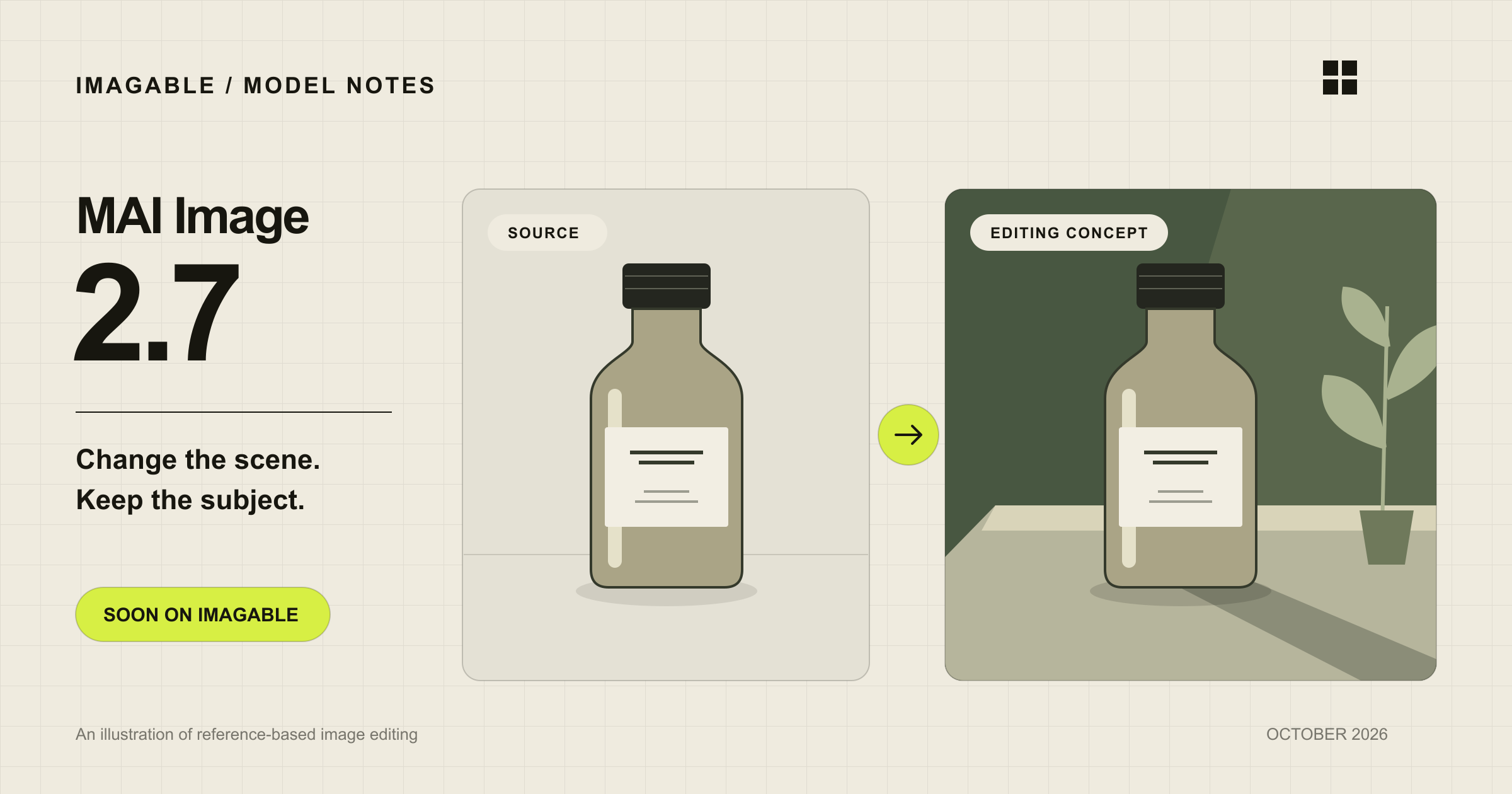
A good image edit changes the right thing and leaves the rest alone. That is why Microsoft’s latest image model is interesting: the opportunity is to refine an image you already care about, without starting the whole composition again.
What is MAI Image 2.7?
Microsoft introduced MAI Image 2.7 on October 27, 2026 as an image-editing preview. Its launch focuses on restyling scenes, adjusting light, changing text or symbols, and restoring existing images. Text-to-image generation is planned for later.
Microsoft reports improvements over MAI Image 2.6 across every editing action and use-case category evaluated by Artificial Analysis, with a particularly strong result in scene and style edits.
How does it rank against GPT Image?
At our October 30 source check, Arena’s single-image editing board places MAI-Image-2.7-Preview third, behind GPT Image 2.5 Sunburst and Flare, and ahead of GPT Image 2 Medium. That is a result for editing one input image, not a text-to-image ranking.
Artificial Analysis places the preview second on its overall image-editing board, between GPT Image 2.5 Sunburst (max) and Flare (max). It uses blind comparisons of results produced from the same source image and instruction. The different ordering is a useful reminder that evaluation setup matters.
Use a leaderboard to choose what to try. For a product photo, your deciding detail might be a perfectly preserved label; for a portrait, it could be a familiar expression. A result that wins a general preference comparison may still need another pass for your particular image.
Arena single-image editing leaderboard ↗Artificial Analysis image-editing leaderboard ↗
Three edits worth trying
These are suggested starting prompts for evaluating an image editor, not examples generated with MAI Image 2.7. Begin with one clear change so it is easy to tell whether the model followed the brief.
Give a product a new setting
Choose a source where the whole product is visible. Name what must remain exact before describing the new surroundings. Look closely at small label text, the shape of the lid, and the point where the object meets the surface.
Place this bottle on a pale stone bathroom shelf in soft morning light. Keep the bottle’s proportions, cap, label design and every printed word unchanged. Add a natural contact shadow.
Change the light, keep the portrait
Ask for a lighting change separately from clothing or background changes. Comparing one variable makes it easier to choose a version without losing the expression that made the original photo work.
Change the lighting to gentle late-afternoon window light from the left. Keep the same face, expression, hairstyle, clothing, framing and background. Preserve natural skin texture.
Update a line of text
Quote the replacement exactly and describe its location. Afterward, read every word in the image, including the words you did not ask to change. On a finished design, check alignment and spacing at the intended viewing size.
Replace only the headline “SUMMER SALE” with “AUTUMN EDIT” at the top of the poster. Match the original type style, size, color and alignment. Leave all other words and artwork unchanged.
Compare the detail that matters
Keep the source photo and wording identical when trying different models. If you change both the prompt and the model, it becomes difficult to know why one result worked better. Start with an image that represents your real work, rather than a scene you would never use.
Review the result in two passes: first at normal viewing size, then zoomed in. The first pass tells you whether the composition feels right. The second catches changes that are easy to overlook in a thumbnail.
- Check the requested change: is the light, setting, or replacement text correct?
- Check what should stay: faces, product proportions, logos, and untouched text.
- Check the join: edges, reflections, shadows, and texture around edited areas.
- Keep a useful result before making another edit, so you can return to it.
Where can you try it, and what does it cost?
Microsoft directs users to MAI Playground, Arena and Artificial Analysis to try the editing preview. Those preview experiences are separate from availability inside an image-editing product such as Imagable.
Artificial Analysis currently labels MAI-Image-2.7-Preview as having no available API. We have not confirmed public API pricing for 2.7, so prices for MAI Image 2.6 should not be treated as its price. Resolution options and reference-image limits also need to be checked against the eventual integration.
Microsoft’s MAI Image 2.7 announcement ↗Artificial Analysis image-editing leaderboard ↗
Coming soon to Imagable
We plan to add MAI Image 2.7 to Imagable. It is not available to generate or edit with yet. We will show supported settings and the credit cost when access is ready; there is no launch date to announce today.
You can already start from a prompt or a reference image in the AI Image Generator. For a focused task, such as replacing words or restoring an old photo, the dedicated tools below provide a more direct starting point.
MAI Image 2.7 FAQ
Can MAI Image 2.7 generate an image from text alone?
Microsoft launched 2.7 as an editing preview and says text-to-image generation is coming later. The launch announcement does not give a date for that capability.
Is MAI Image 2.7 available in Imagable now?
Not yet. Soon means we plan to add it. You can use the available models in the AI Image Generator while we prepare access.
Is it better than GPT Image 2.5?
The boards we checked give different orderings: Arena places it behind both GPT Image 2.5 variants for single-image editing, while Artificial Analysis puts it between Sunburst and Flare at max quality. Try the same edit on your own source image to decide which suits your work.
How many Imagable credits will it use?
We have not set a credit price yet. It will appear beside the generation button before MAI Image 2.7 becomes available to use.
Sources checked October 30, 2026. Rankings and preview availability can change.