Portraits softened by movement
Start with the eyes, hairline and outline of the face. Compare the same person at the same viewing size. These familiar features help you decide whether the result is a useful version of your photograph.
Reduce camera shake and softness for a clearer photo.
From 10 credits per image
40 welcome credits after verified sign-up
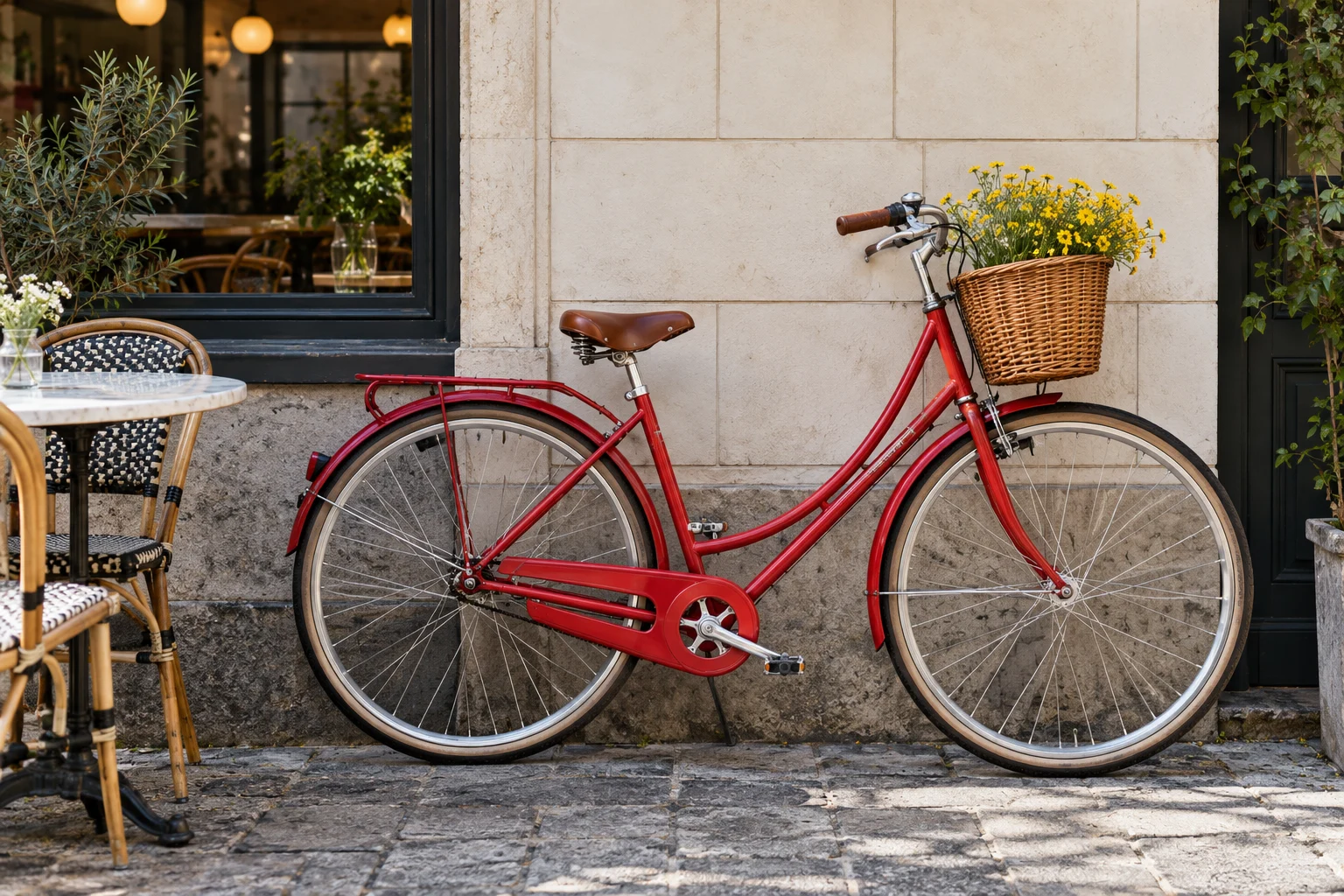
10 credits per megapixel, rounded up. Your photo keeps its original size.
A pet rarely holds still for the camera. Look at the eyes, nose and individual strands of fur to judge whether a clearer version brings back the character of the photograph.
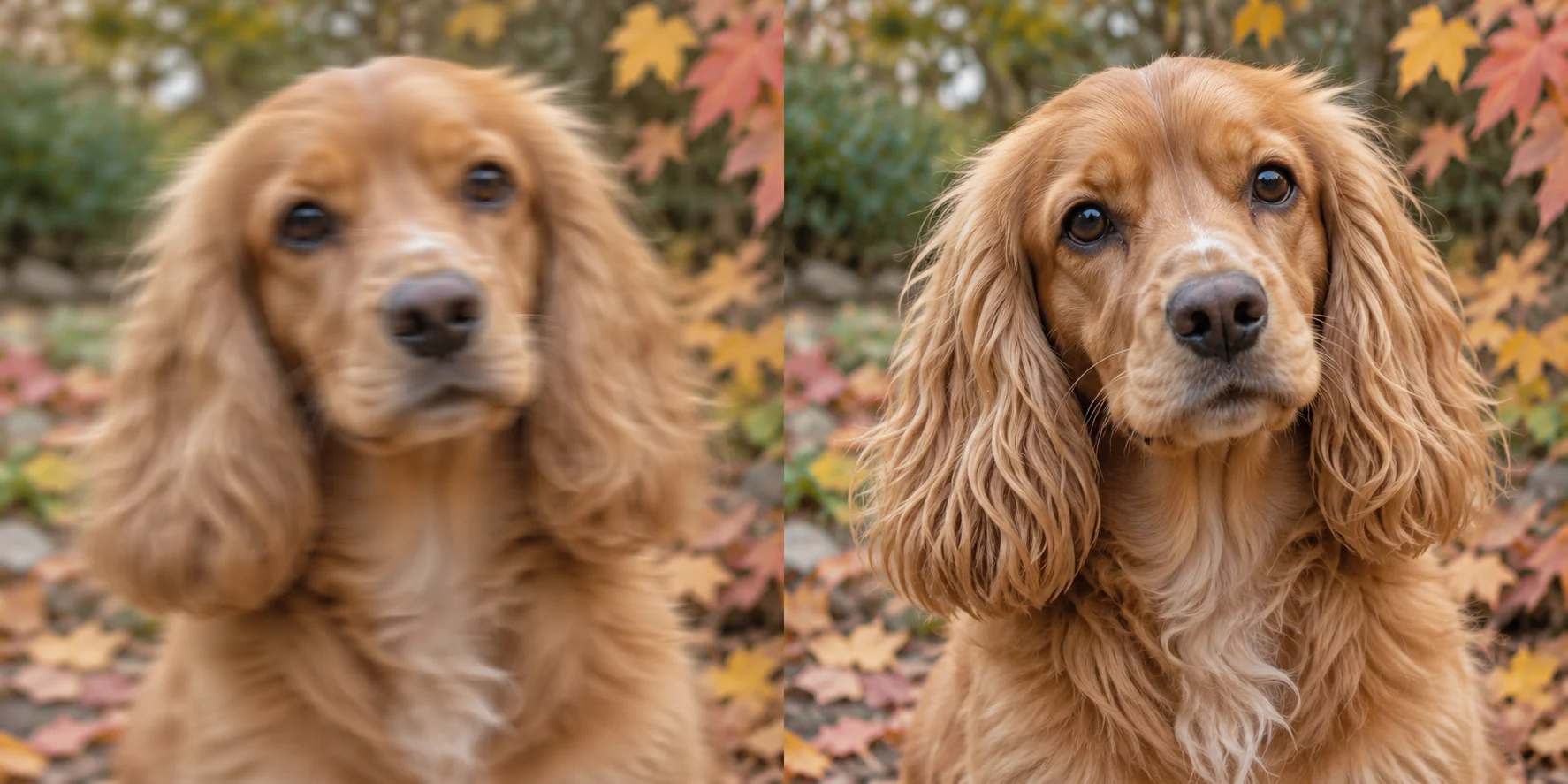
Soft pet photo
Clearer fur & eyes
Try a pass on photos where small movements have softened otherwise clear edges.
Inspect familiar textures and outlines instead of judging only the small preview.
Deblurring keeps the source dimensions. Enlarge separately if you need a bigger image.
Image deblurring aims to reduce the softness left by camera movement and other blur in a photograph. It works with the image you upload, looking for a clearer interpretation of edges and visible detail.
Imagable returns a PNG at the source dimensions. No written prompt or enhancement strength is needed. The cost is calculated from the image size before you start, so you can decide whether to process the photo first.
You do not need to inspect every pixel. Pick a familiar feature that looks soft in the original and use it as a reference when you compare the result.
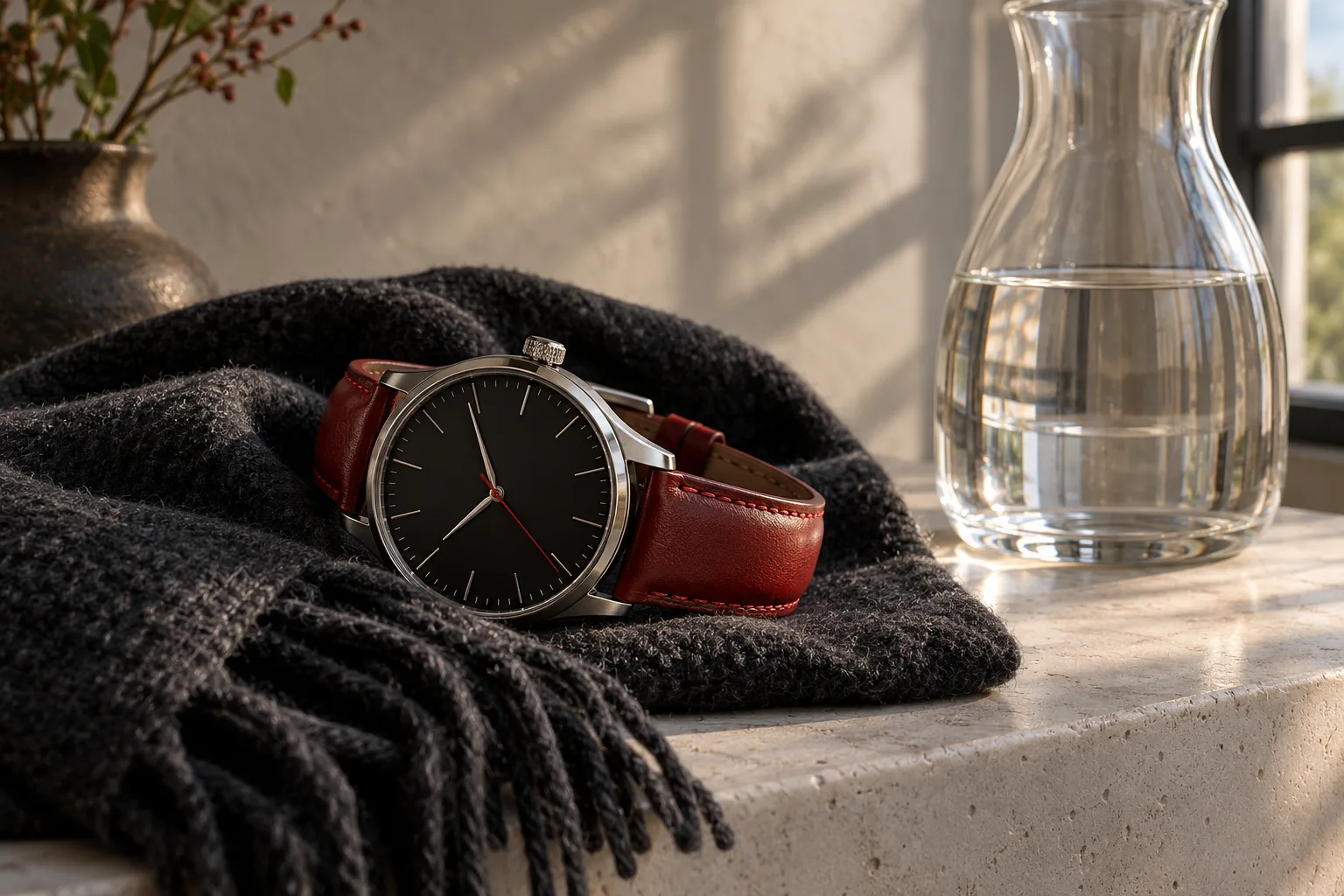
Start with the eyes, hairline and outline of the face. Compare the same person at the same viewing size. These familiar features help you decide whether the result is a useful version of your photograph.
Inspect window frames, railings and the edges of buildings. Straight lines make motion softness easier to notice than open sky, so they are a practical place to start the comparison.
A basket weave, a bicycle spoke or a garment seam gives you a repeatable detail to inspect. Review the full scene afterward rather than choosing a result from a single sharpened edge.
Photos can look unclear for several reasons. Identify whether the problem is motion, overall appearance or a lack of pixels before choosing the next step.
Use Unblur when movement has softened visible outlines. Deblurring attempts to reduce this kind of softness; simply increasing contrast around the edges is a different treatment.
Use Photo Enhancer when the scene needs a more balanced appearance. It gives you strength choices for light, noise and detail rather than an upscale factor.
Use Image Upscaler when the photo is readable at its native size but needs more pixels for a larger layout. Deblurring on its own does not enlarge it.
A clean source makes it easier to distinguish blur from compression or a small preview. Prepare the file once, then compare the downloaded result with that original.
If the photo came through a messaging app, look for the original attachment. Repeatedly saving or screenshotting a small preview can add compression artifacts as well as blur.
Include the subject and enough nearby detail to understand the scene. A very tight crop may hide the lines or textures that help you judge the improvement.
The upload is checked against the size limit and the panel shows the credit cost. Use the actual file rather than estimating its size from how large it looks on screen.
Compare both versions at the same display size. Save the result you prefer, and keep the original if you want to try a different editing approach later.
Choose a JPG, PNG or WebP up to 4 megapixels and 4096 pixels per side.
Pricing follows image size in whole-megapixel tiers. No strength slider is needed.
Inspect the same details in both versions, then save your preferred result.
Verified sign-up includes 40 welcome credits. This tool starts at 10 credits and quotes the cost from your image dimensions. The price appears before you start. Welcome credits are valid for 30 days.
Unblur is priced by image size: 10 credits per megapixel, rounded up. A 1.5-megapixel photo uses 20 credits. Upload your image to see its exact price before you start.
Choose Unblur for softness or camera shake. Choose Photo Enhancer when light, noise or overall image quality is the main issue.Photo Enhancer
Start with photos affected by mild softness or camera shake. Use the original file at its best available quality. Heavy blur and very small lettering can be harder to recover.
No. If a task fails, its credits or free use are returned. A completed result still uses the displayed credits or free allowance, even if you decide to try a different edit.
Image results created with an active subscription or an unexpired credit-pack purchase stay saved until you delete them. Other image results are available for 3 days. Check the expiry shown with each result and download any images you want to keep.My creations
Take another look at that photo.
Unblur your image