AI Clothes Changer
Describe a new outfit to preview its colors, fabrics and fit on your photo.
25 credits per image
40 welcome credits after verified sign-up
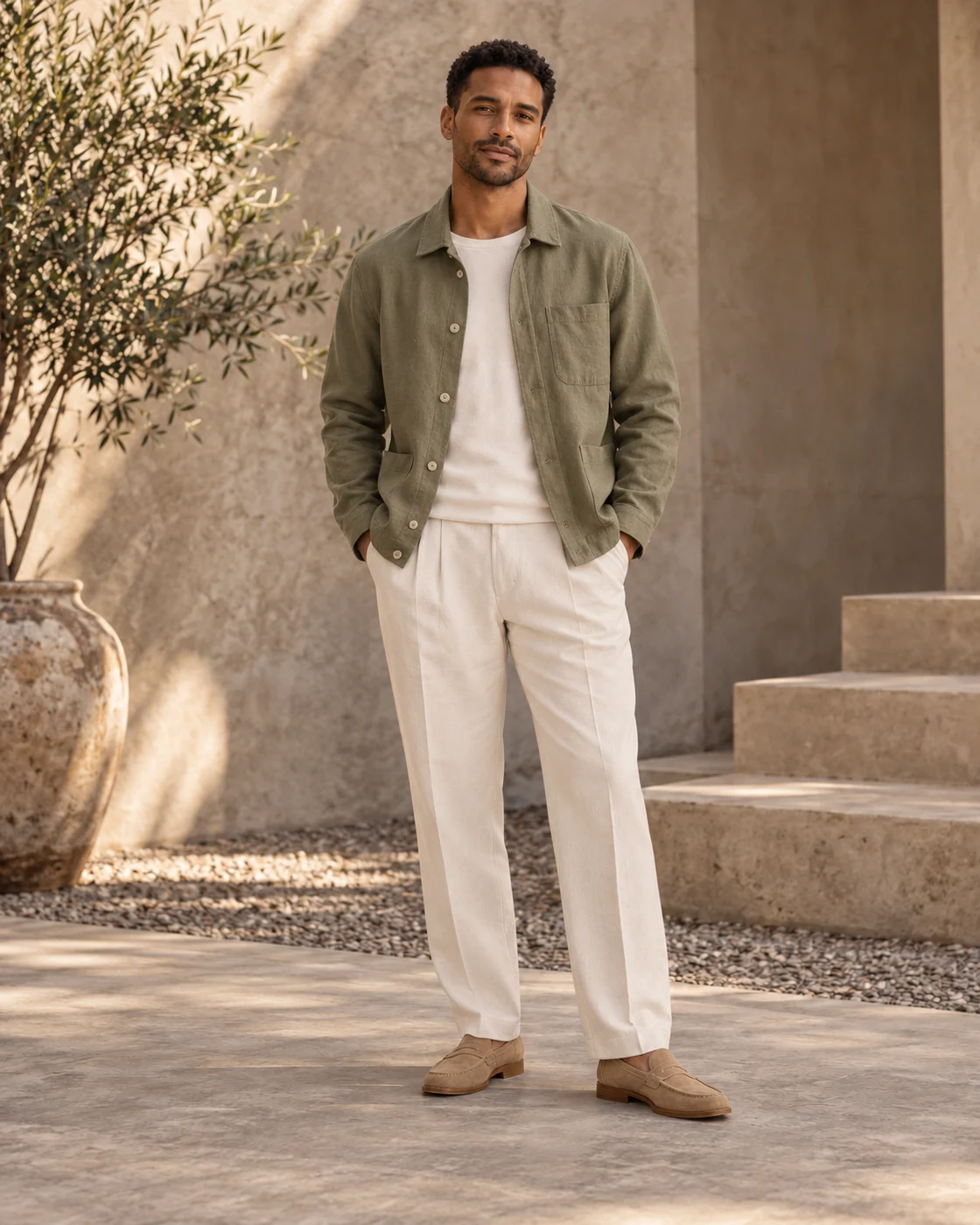
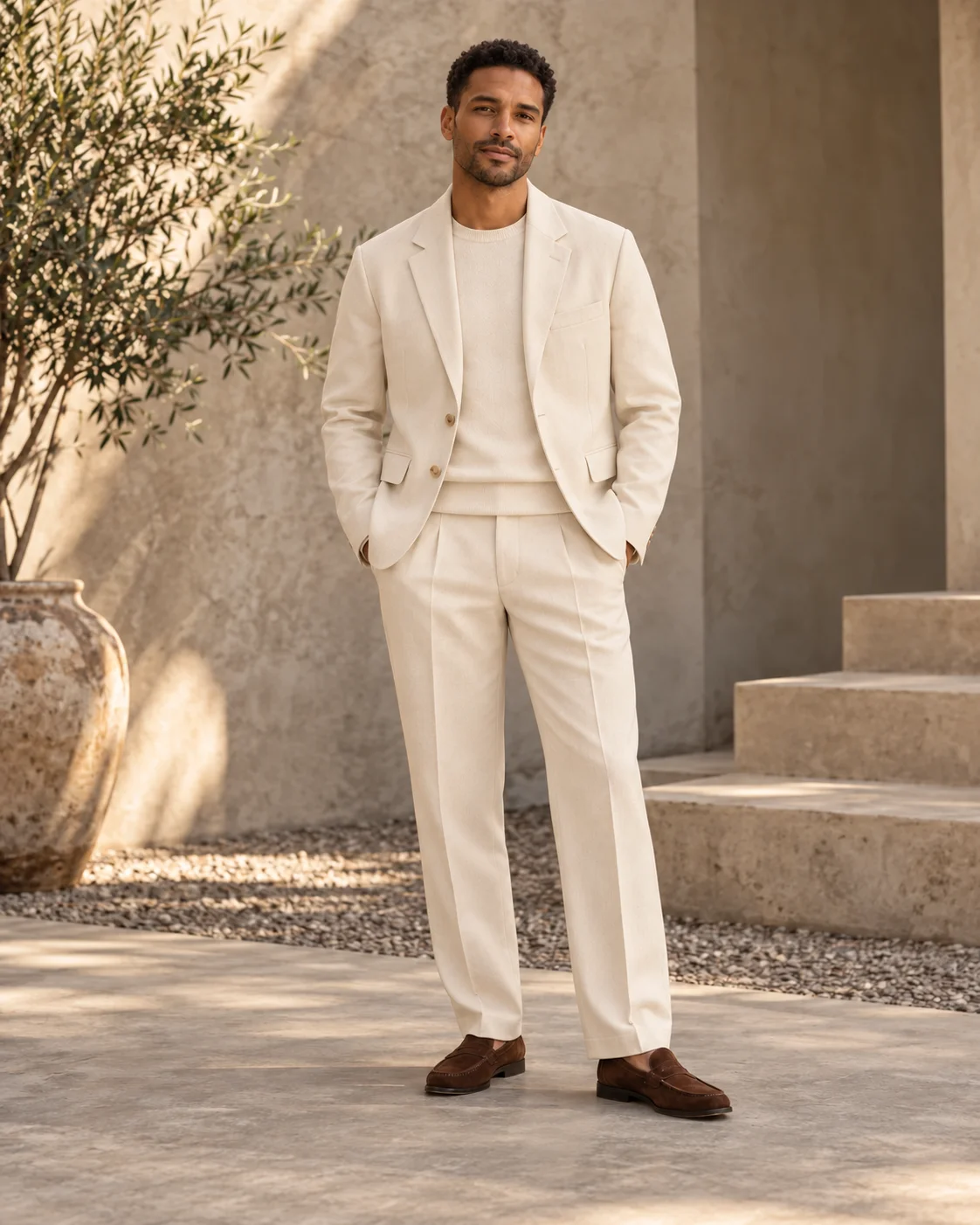
Cream tailoring A clean white tee
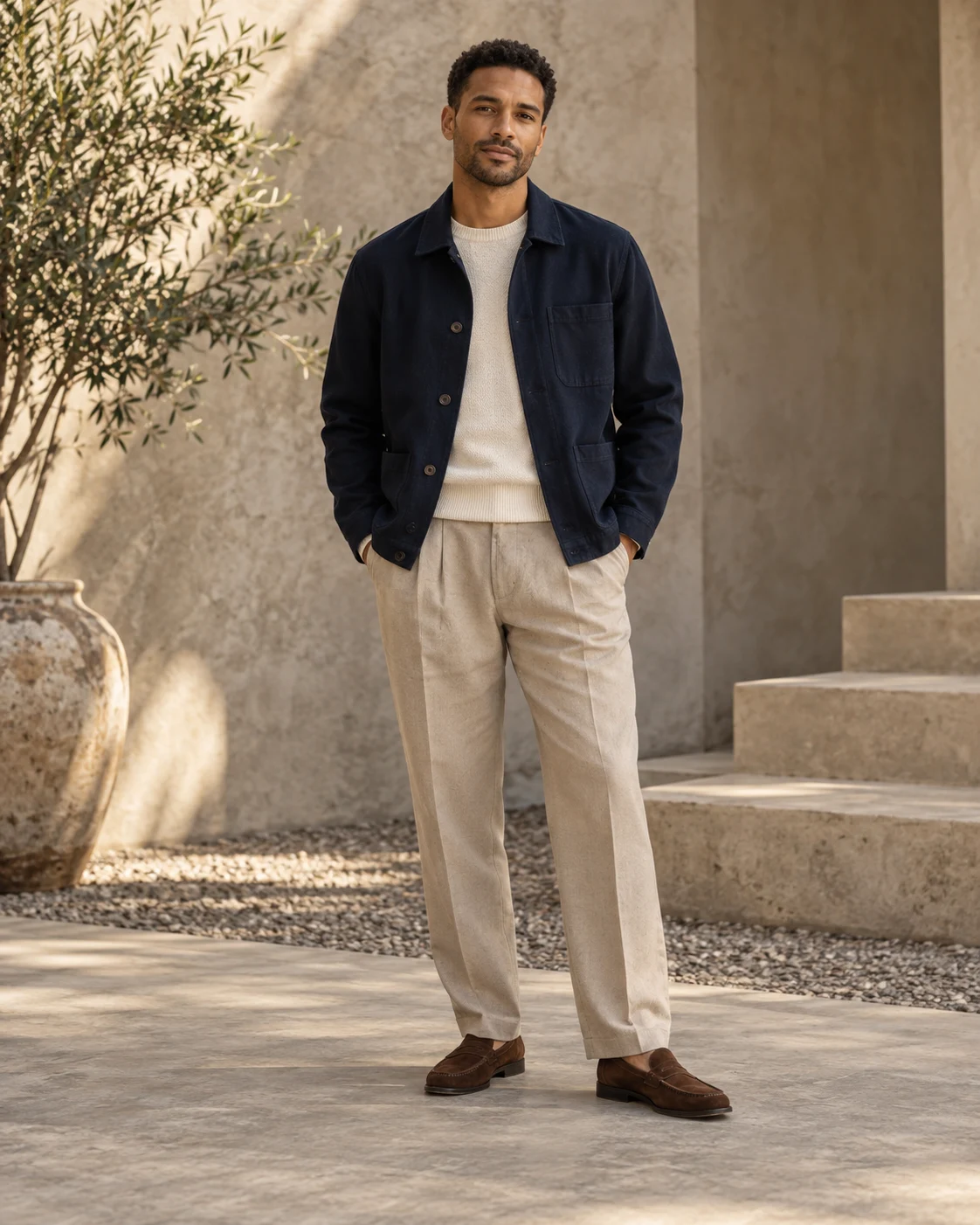
Your results are private. Free-account results are available for 3 days.
Change an everyday outfit into a work look
Use the same portrait to explore a different dress code. Name the jacket, shirt and trousers so the new outfit feels like one complete look, while the person and setting remain the starting point.
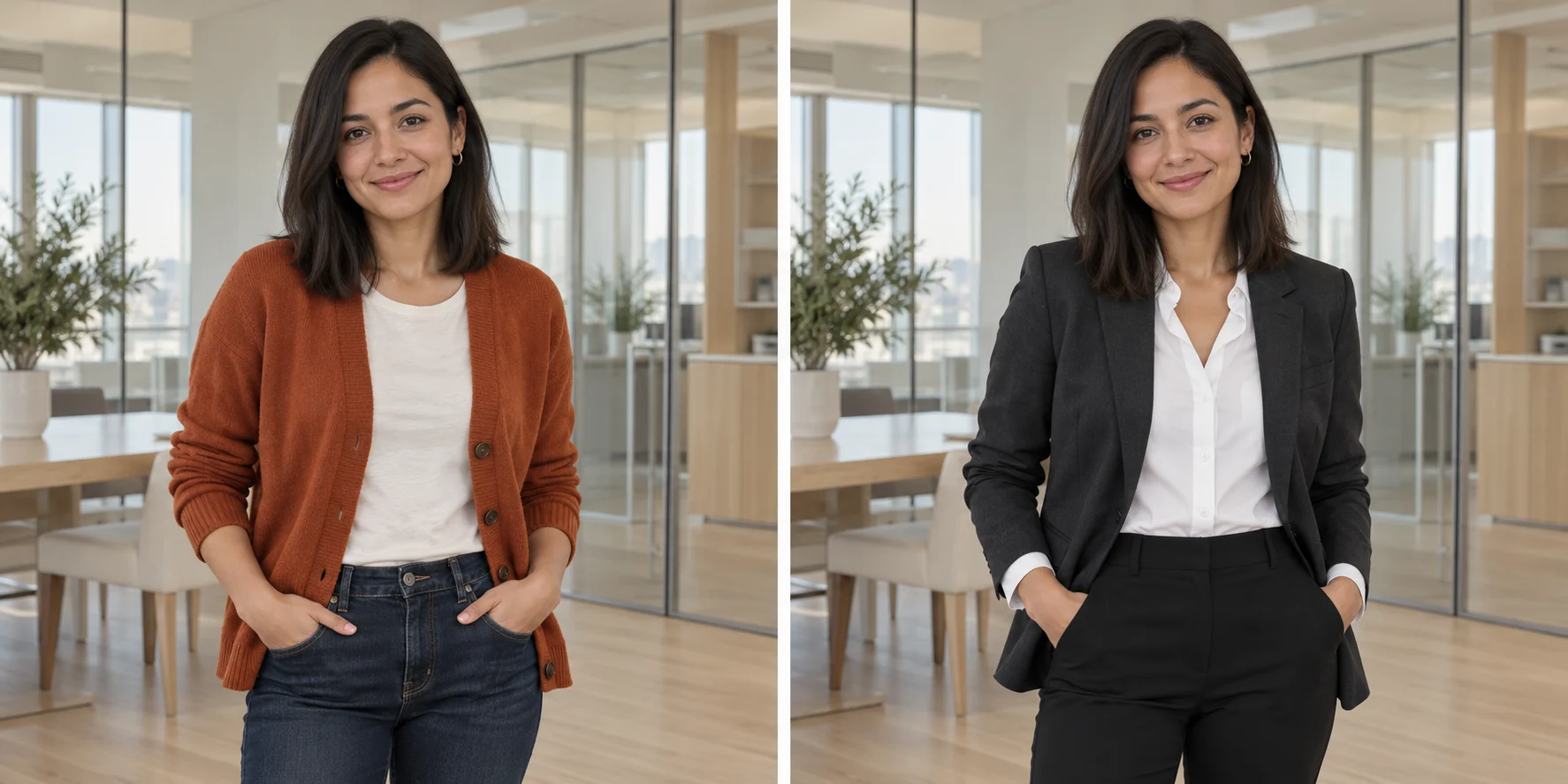
Everyday cardigan
Work-ready tailoring
The clothing brief
“A structured charcoal blazer over a white shirt, with tailored black trousers. Keep the person and office setting.”
Start with the garment
Name the pieces you want: a blazer, crewneck, wide-leg trousers or a summer dress.
Add color and fabric
Choose the palette and surface: cream linen, navy wool or a textured knit.
Describe the silhouette
Use relaxed, tailored, cropped or oversized to express the styling direction.
Change clothes in a photo with a written styling brief
An AI clothes changer lets you explore a different outfit on your photograph. Describe the garments, color and fit you have in mind, then use the generated styling preview to compare directions before planning a look or a new shoot.
A visual outfit idea, made from your description
You upload your own photo and describe the clothing in words. Think of it as a styling study: it can help you explore a silhouette or palette without selecting a specific garment from a store. Choose your actual size and fit separately.
Explore an outfit for work, weekends or an evening out
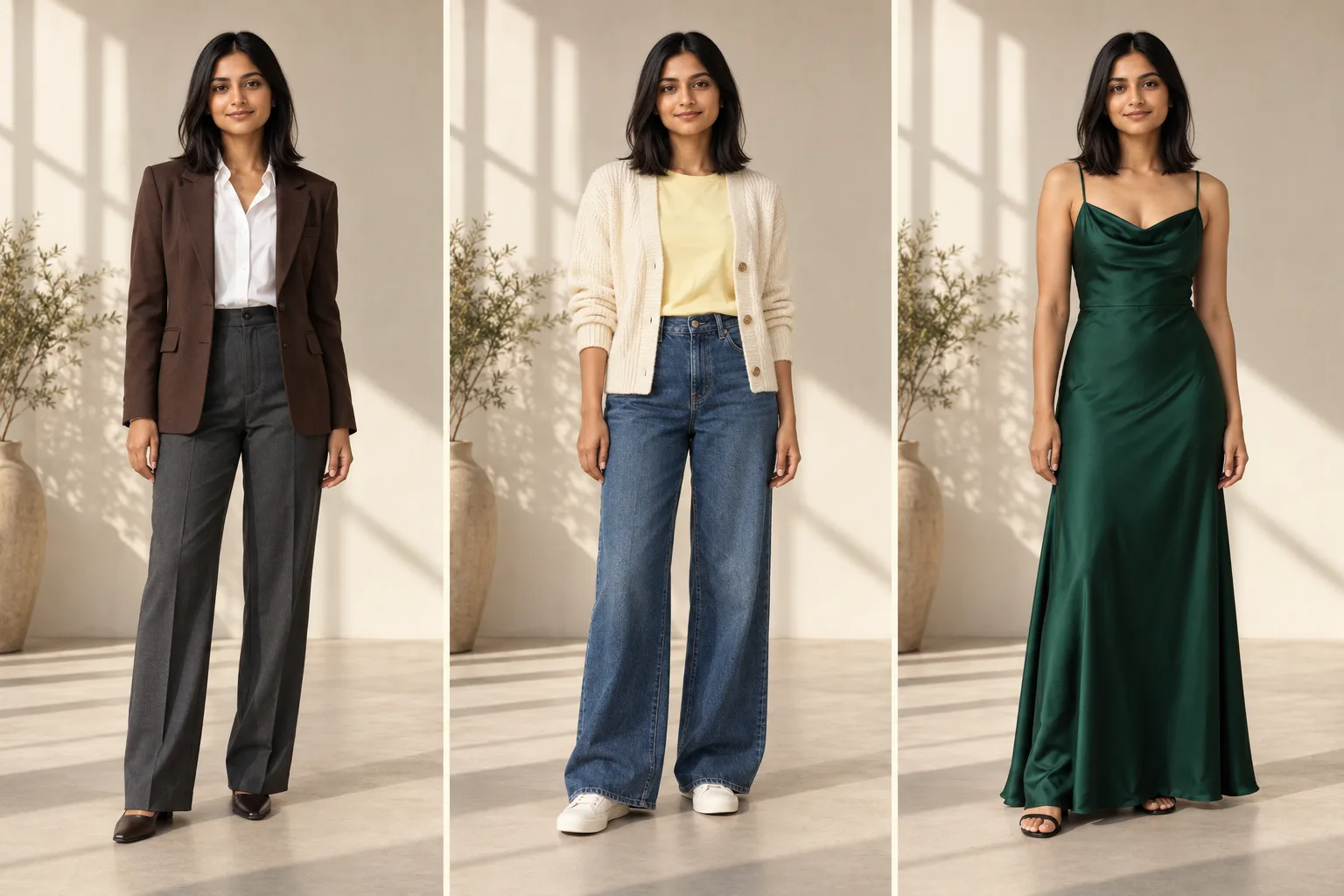
Business and smart casual
Try a tailored jacket, a simple shirt or a relaxed knit. Specify whether the look should feel formal or approachable, and name the colors that belong in your wardrobe or personal brand.
Everyday outfit ideas
Explore a different trouser shape, a lighter layer or a new color combination. Changing one or two pieces makes it easier to see which part of the new look you want to keep.
Occasion and editorial styling
Build a direction around a long dress, a structured suit or a distinctive fabric. Describe the silhouette and finish so the preview reflects the kind of occasion you have in mind.
Choose a photo that shows the clothes you want to change
For a new top or jacket
Use a waist-up photo with your shoulders, arms and the existing garment visible. A clear pose gives the new clothing a useful shape to follow. Move bags or large objects out of the way before taking the source photo.
For a complete outfit
Start with a full-length photo when trousers, a skirt or a dress should be part of the change. Leave a little space around the body and include the hemline so you can judge the overall proportions.
Build the look around the photo you need
Keep the styling focused
Begin with the outfit change, then compare the face, pose and clothing details. Name what should stay the same in your brief when it matters to the look.
Choose the next portrait task
For a work profile with a more complete lighting and background treatment, use AI Headshot Generator. To explore a new cut or hair color alongside your outfit, try AI Hairstyle Changer. Each tool starts with the aspect of the portrait you want to change.
How to use AI Clothes Changer
Upload a visible outfit
Show the areas you want to change. Use a full-length photo for a full outfit.
Write your clothing brief
Describe the garments, colors, materials and fit. Pick the output frame.
Save your styling preview
Compare the outfit and download the 2K result for your moodboard.
AI Clothes Changer FAQ
Plans & credits →Can I try this tool for free?+
Verified sign-up includes 40 welcome credits. Each successful run uses 25 credits. The price appears before you start. Welcome credits are valid for 30 days.
Can I upload a photo of the outfit I want?+
This tool uses one portrait and a written outfit description. Describe the garments, colors, fabrics and fit you want to try.
Is this a size or fit prediction?+
No. It is a visual styling preview, not a measurement of how a particular garment will fit.
Do I need a full-body photo?+
Only if you want to change the full outfit. For a jacket or top, a clear upper-body photo is a useful starting point.
Will I lose credits if processing fails?+
No. If a task fails, its credits or free use are returned. A completed result still uses the displayed credits or free allowance, even if you decide to try a different edit.
How long are my images saved?+
Image results created with an active subscription or an unexpired credit-pack purchase stay saved until you delete them. Other image results are available for 3 days. Check the expiry shown with each result and download any images you want to keep.My creations
Continue with the right image tool
Picture a different outfit.
Try a new outfit