AI Headshot Generator
Turn one clear photo into a professional headshot for your profile.
25 credits per image
40 welcome credits after verified sign-up
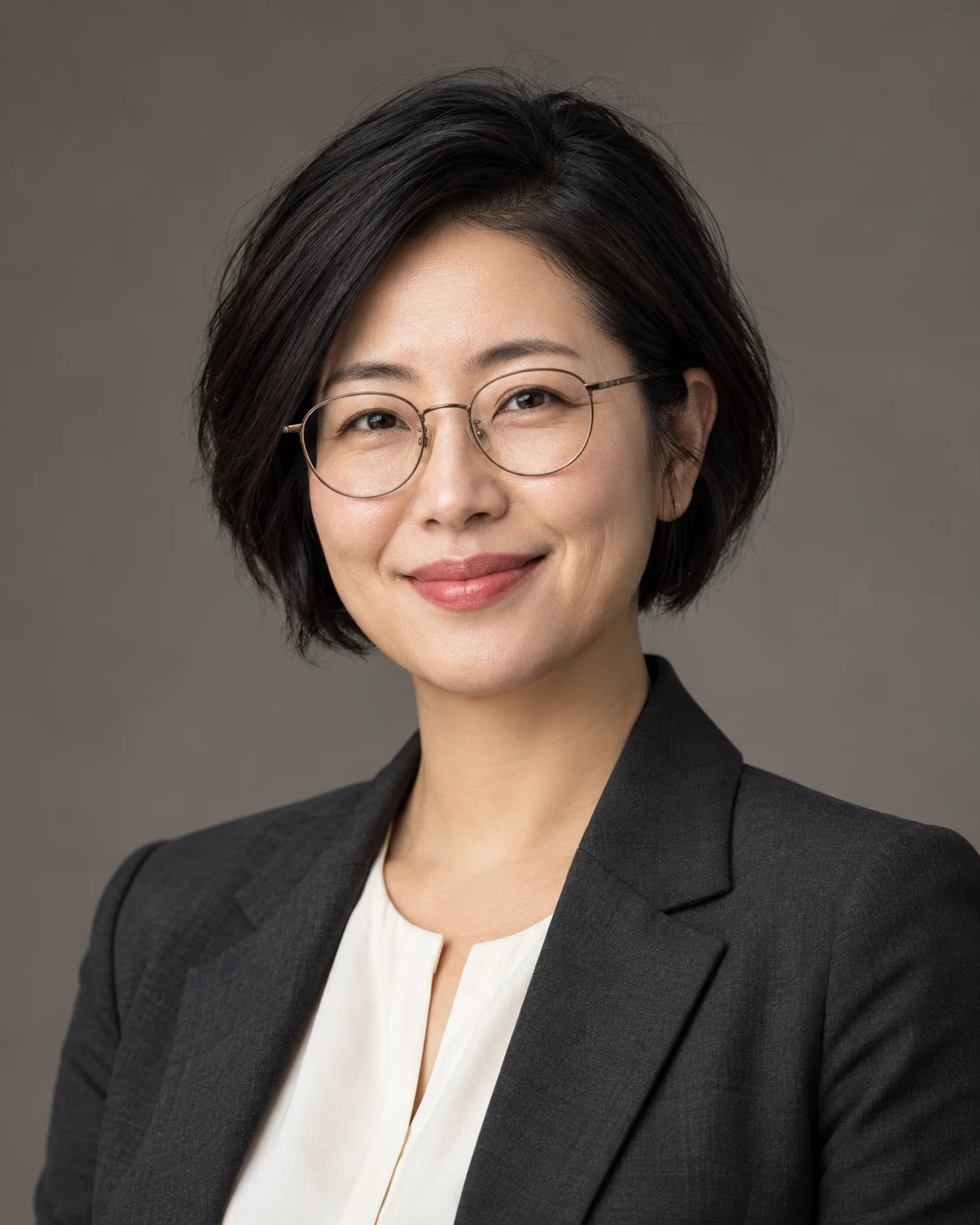
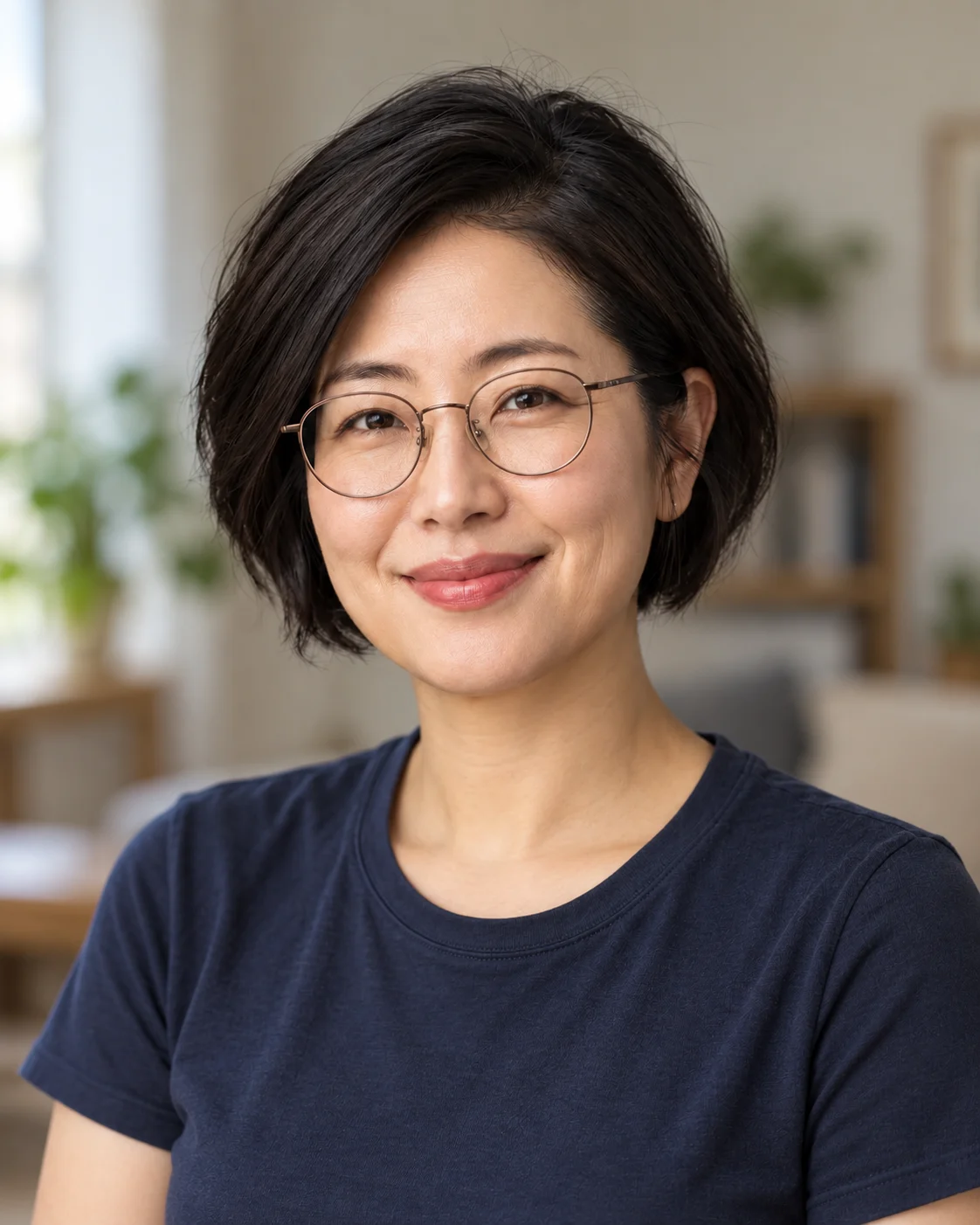
your profile.Studio backdrop
Tailored styling
Your results are private. Free-account results are available for 3 days.
Create a professional headshot from a casual portrait
A home-office snapshot can become a more considered profile direction. Compare the clothing, background and lighting while keeping the face as the familiar center of the image.
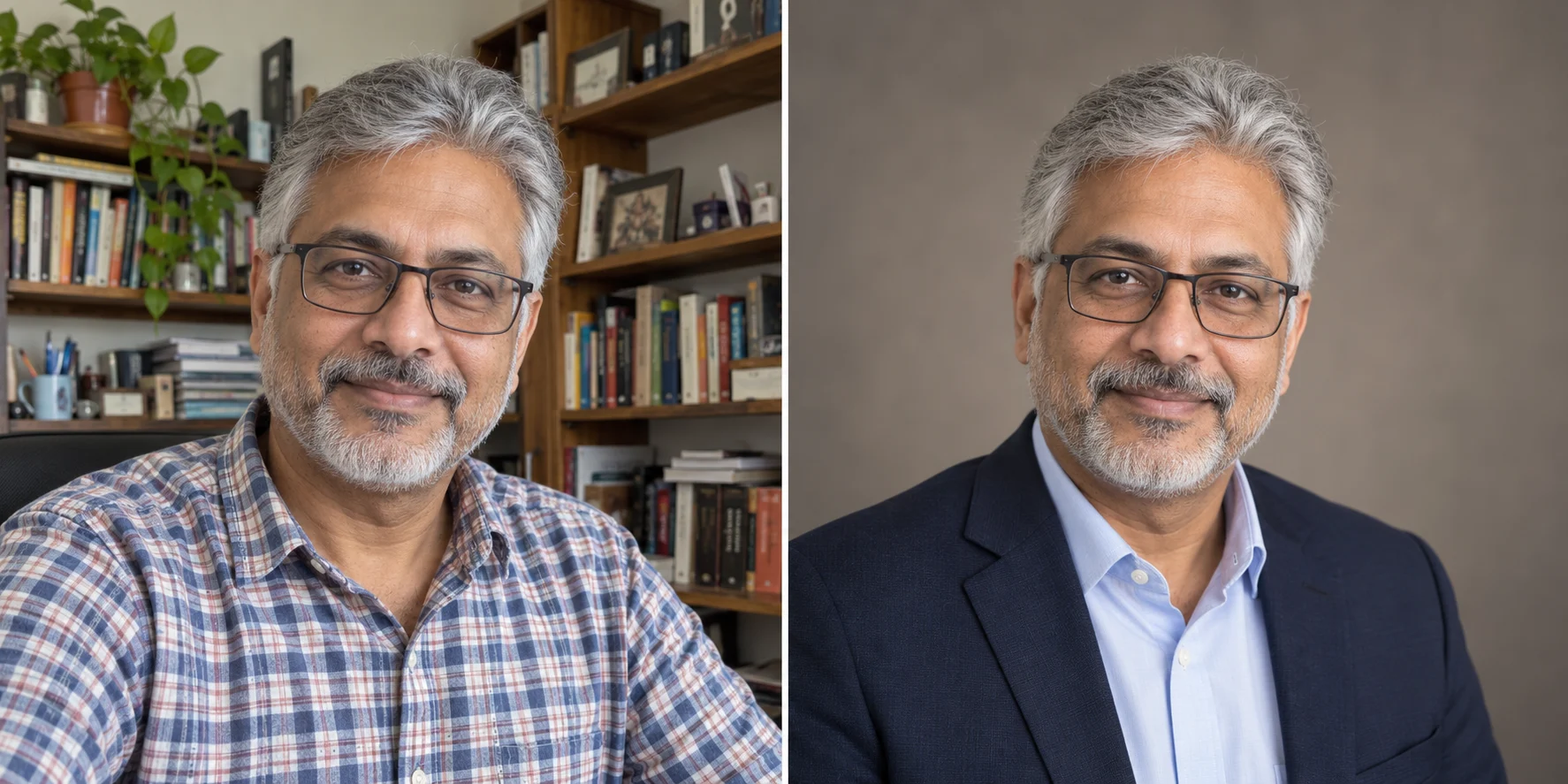
Casual portrait
Professional headshot
A clear face, simple background and room around your head help the portrait work at profile size.
Profile & résumé
A clear face and a simple background keep the focus on you at small display sizes.
Team & about pages
Use consistent clothing and background direction for a considered visual style.
Speaker biographies
Choose a portrait frame with room for a page designer to crop around your head and shoulders.
One photo, your choice of headshot style
An AI headshot generator uses your photo as the starting point for a more polished portrait. Describe the clothing, background and overall direction you want, then choose a frame for the profile or page where the image will appear.
Start with a person, not a perfect studio setup
A clear phone portrait can give you a useful starting point. Face a soft light source and include your head and shoulders. You do not need to prepare a collection of training photos to try a headshot in Imagable.
Choose the tone of your professional headshot

A classic studio headshot
Describe a tailored jacket, a simple shirt and a neutral studio background. A restrained palette keeps attention on the face and gives a formal portrait a clear, composed direction.
A relaxed business portrait
Try business-casual clothing, soft window light and an understated office setting. Name a natural expression in your brief when you want the finished image to feel more conversational.
A creative professional headshot
Bring in a distinctive color or a more relaxed layer while keeping the face easy to see. Choose one expressive element, then let the background support it instead of competing for attention.
Give your AI headshot a better starting photo
Use soft light and a clear face
Stand near a window, face the camera and avoid heavy shadows across the eyes. Use a recent photo with one person in focus. Keep glasses and other everyday features visible if you want them represented in the portrait.
Leave room for the final crop
Include your shoulders and a little space above your head. A source that cuts through the hairline or chin leaves less flexibility for the finished composition. Choose the output frame with your profile or website placement in mind.
Choose a headshot that still feels like you
Review the face before the finish
Compare the eyes, smile, glasses and hairline with your original. Then look at the clothing and background. A professional portrait should be useful as your introduction, so choose the version you would be comfortable sharing as yourself.
Make a smaller change when that is enough
If you already like the portrait and only want different clothing, try AI Clothes Changer. To isolate the existing subject for a design, use Background Remover. Pick the tool around the part of the image you actually want to change.
How to use AI Headshot Generator
Upload one clear portrait
Show one person with an unobstructed face in even light.
Choose your direction
Pick the aspect ratio. Optionally describe clothing, background or expression.
Review and download
Check facial features and details, then save the 2K headshot.
AI Headshot Generator FAQ
Plans & credits →Can I try this tool for free?+
Verified sign-up includes 40 welcome credits. Each successful run uses 25 credits. The price appears before you start. Welcome credits are valid for 30 days.
How many photos do I need?+
Just one clear portrait. Choose a well-lit photo with your face visible and enough space around your head and shoulders.
Can I choose the clothing and background?+
Yes. Add your preferences in Portrait direction. Leave it blank for a warm-gray studio background, balanced lighting and your original outfit.
Can I choose a square headshot?+
Yes. The panel offers original, 1:1, 4:5 and 3:4 framing. Review the result before cropping it further for a profile circle.
Will I lose credits if processing fails?+
No. If a task fails, its credits or free use are returned. A completed result still uses the displayed credits or free allowance, even if you decide to try a different edit.
How long are my images saved?+
Image results created with an active subscription or an unexpired credit-pack purchase stay saved until you delete them. Other image results are available for 3 days. Check the expiry shown with each result and download any images you want to keep.My creations
Continue with the right image tool
Put a clear face to your work.
Create your headshot