AI Hairstyle Changer
Preview a new haircut, length, texture or color on your own portrait.
25 credits per image
40 welcome credits after verified sign-up
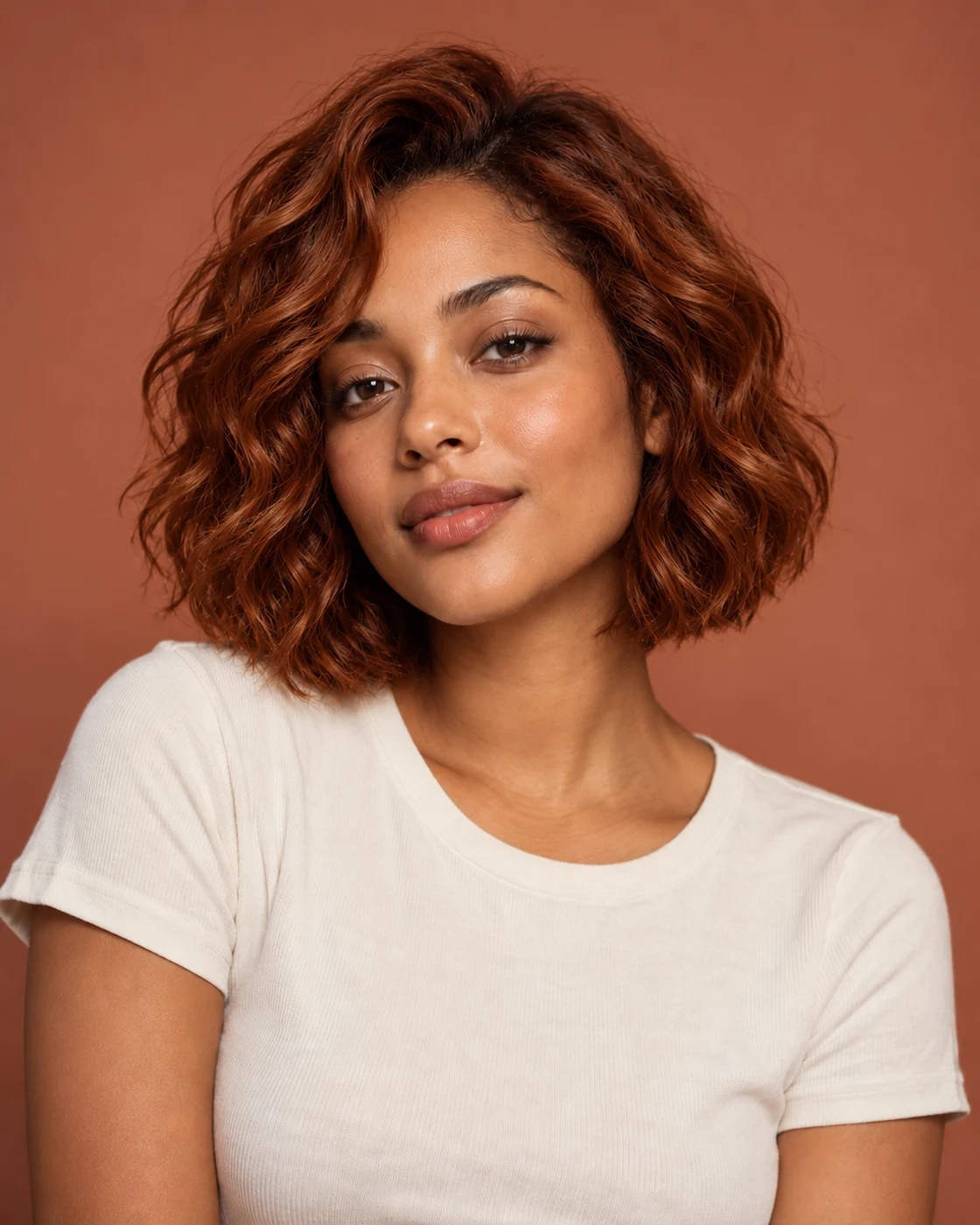
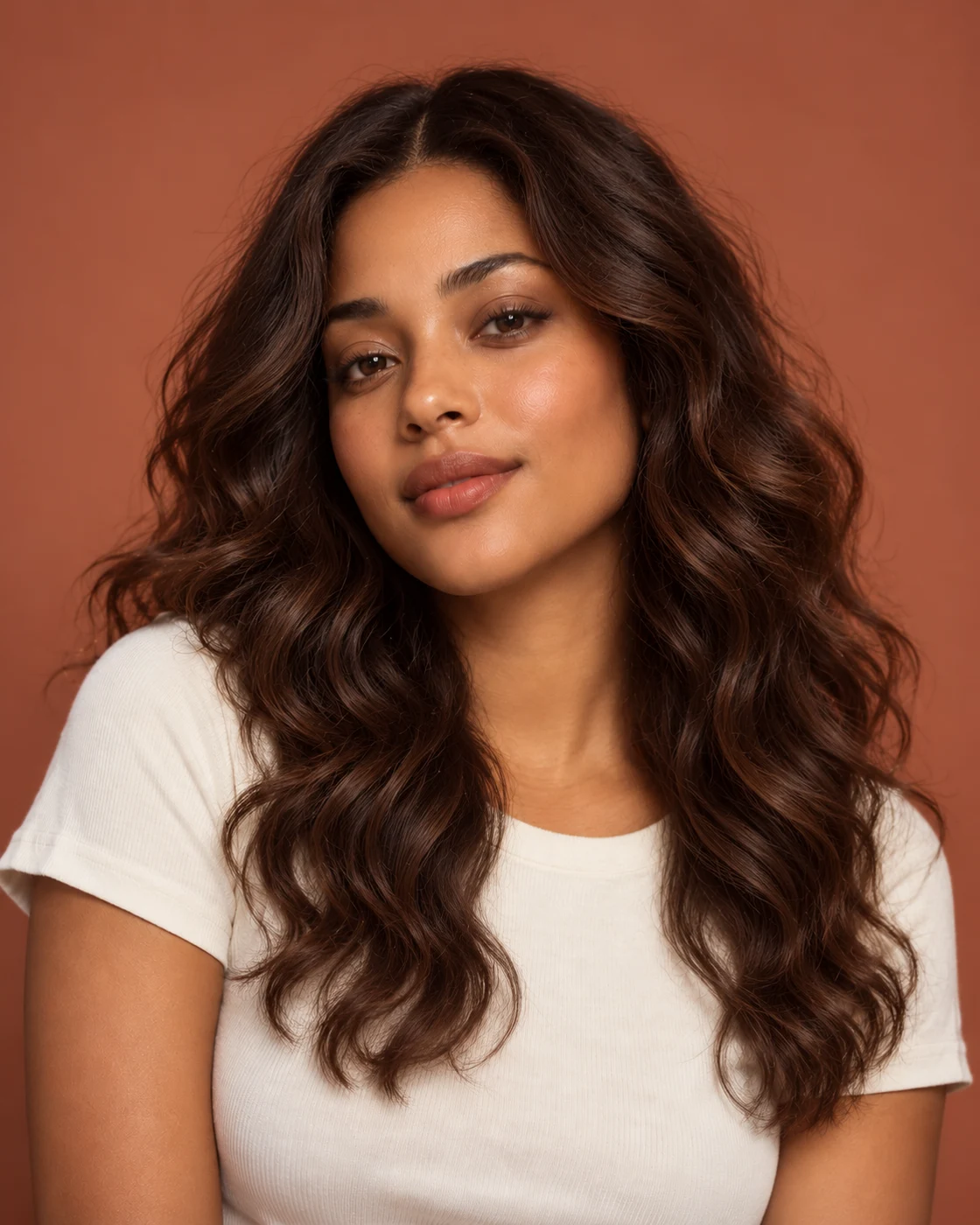
A NEW DIRECTION.
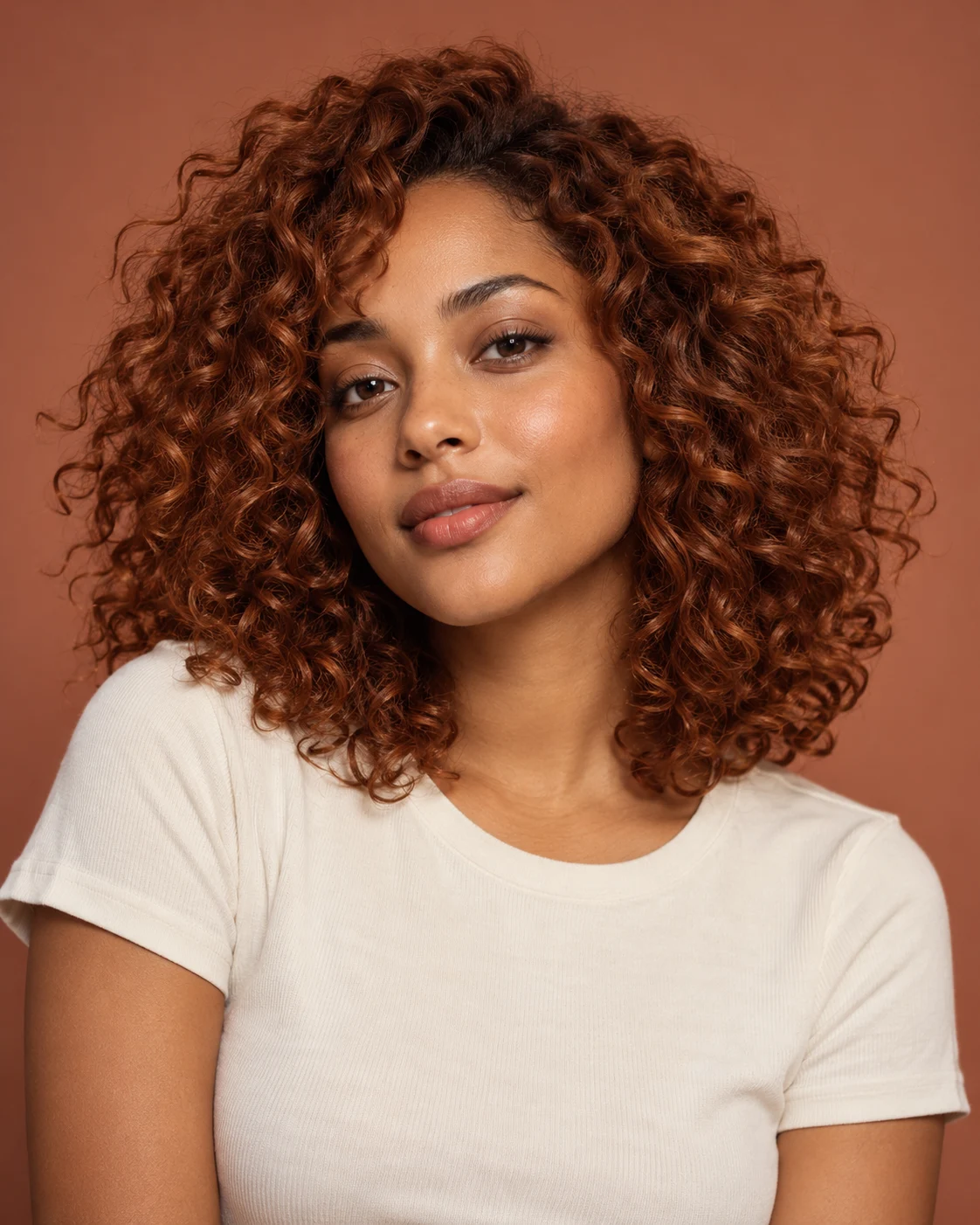 Original curls
Go a little shorter.
Your results are private. Free-account results are available for 3 days.
Preview a new haircut and hair color together
Length, shape and color all affect a hairstyle. Explore a distinct direction, such as changing long dark hair into a lighter bob, before deciding what you want to ask a stylist for.
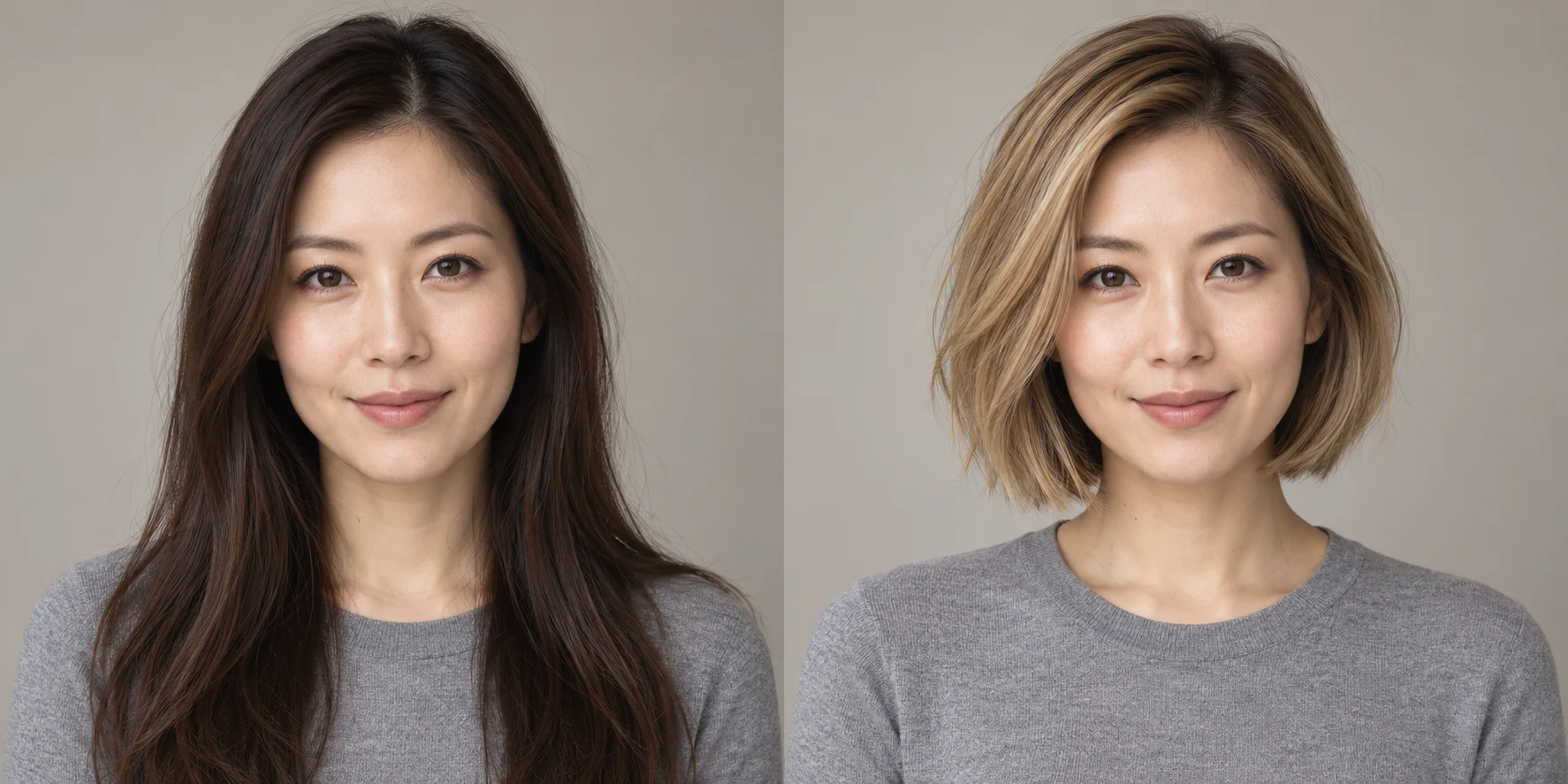
Long & dark
Honey-blonde bob
Name the length and texture you want. Mention a new color only if you want to change it; otherwise, keep your original shade as part of the brief.
Try a hairstyle on your own photo before choosing a look
An AI hairstyle changer creates a visual preview from your portrait and a written description of the hair you want. Explore a shorter cut, a different texture or a new shade while using your own face as the starting point.
Make the comparison useful
Use the same source portrait when trying several directions. Keep the lighting and angle consistent so you can compare how the shape frames your face, rather than comparing different photos.
Explore short hair, new color and a different texture
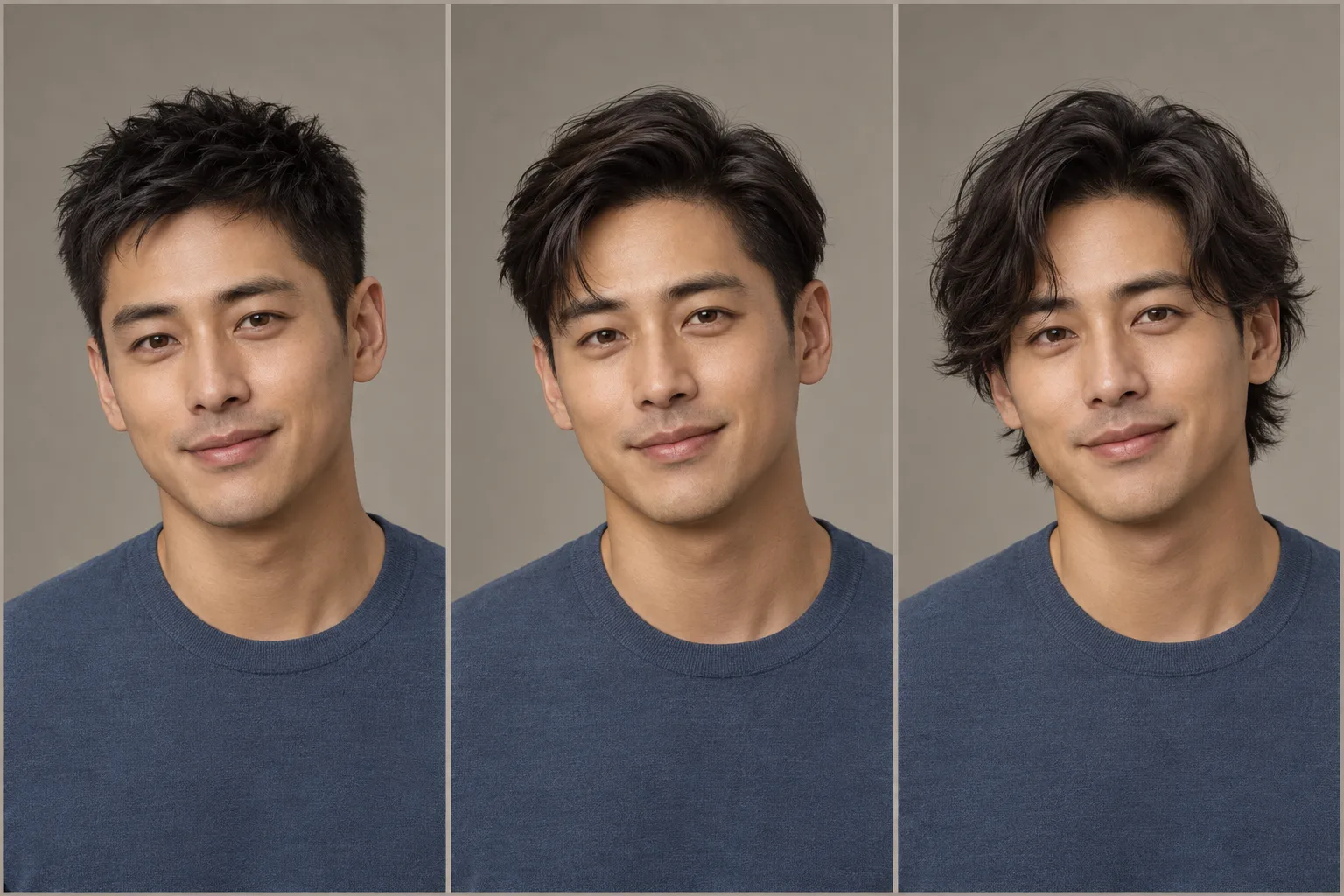
Try a haircut or new length
Describe where the hair should fall: near the jaw, at the shoulders or below them. Add a fringe or layers if those are part of the idea. A clear length is more useful than “shorter.”
Preview a hair color
Name a shade such as warm brown, copper or ash blonde. Ask to keep the cut and texture when you only want to compare color, or describe highlights as part of the new direction.
Explore waves, curls and volume
Distinguish loose waves from defined curls, and a smooth finish from more volume. Keep the length and color in the brief when you want the texture to be the main change.
Change one part of your hairstyle at a time
Separate the change from what should stay
A focused brief makes different versions easier to compare. Start with a new length while keeping the color, or test a color on the cut you already have. Once you find a direction, add the next detail.
Preview your hairstyleA focused hairstyle brief
- Change
- A chin-length bob with a soft, slightly curved outline.
- Keep
- The current dark brown color and natural-looking texture.
- Compare
- The length beside the jaw, the fringe and the shape around the face.
Make your hairstyle preview easier to use
Start with visible hair and even light
Choose a clear portrait without a hat hiding the hairline. Keep room above the head and at the sides, especially when exploring more volume or a longer style. An unobstructed face helps you assess whether the preview still feels like you.
Take a visual reference to your stylist
Save a favorite direction to discuss the cut and color you like. Your real hair texture and starting color still matter to the salon result. For a broader portrait change, explore outfit ideas or create a professional headshot.
How to use AI Hairstyle Changer
Upload your portrait
Keep your face and hair visible, with some space around the top and sides.
Describe the new hair
Specify the cut, length, texture and any color change. Choose a frame.
Compare your new look
Review the hairstyle preview and download it in 2K for inspiration.
AI Hairstyle Changer FAQ
Plans & credits →Can I try this tool for free?+
Verified sign-up includes 40 welcome credits. Each successful run uses 25 credits. The price appears before you start. Welcome credits are valid for 30 days.
Can I change the haircut without changing color?+
Yes. Describe the cut and length without requesting a new color. You can also explicitly ask to keep your current shade.
Can I use this to plan a salon visit?+
Use the image as a visual conversation starter for the cut, color and texture you like.
Can I preview bangs or a fringe?+
Yes. Describe the fringe you want, such as curtain bangs, a blunt fringe or side-swept bangs. Include the length and ask to keep the rest of your hairstyle if you only want to change the front.
Will I lose credits if processing fails?+
No. If a task fails, its credits or free use are returned. A completed result still uses the displayed credits or free allowance, even if you decide to try a different edit.
How long are my images saved?+
Image results created with an active subscription or an unexpired credit-pack purchase stay saved until you delete them. Other image results are available for 3 days. Check the expiry shown with each result and download any images you want to keep.My creations
Continue with the right image tool
Explore your next hair idea.
Preview your hairstyle